极
极核实验室
Tag archive

#雨云

Browse all WindBlog tags and find articles by topic.

Articles: 12 View all tags
From Now On, K8S Has Zero Barrier for Beginners!
云原生 • • 1

From Now On, K8S Has Zero Barrier for Beginners!

Introduction When you want to get started with K8S, you often get dizzy from all kinds of concepts, such as API Server, Scheduler, Controller manager, Etcd, Pod, Kubelet, kube-proxy, deployment...... Even if you use various graphical panels, such as kuboard, which I used before, and KubeSphere, which I use now, they can't truly shield the underlying concepts and let users focus on applications. At this point, you might
Guide to Deploying Discourse When the Port Is Occupied
Linux 技术文章 • • 3

Guide to Deploying Discourse When the Port Is Occupied

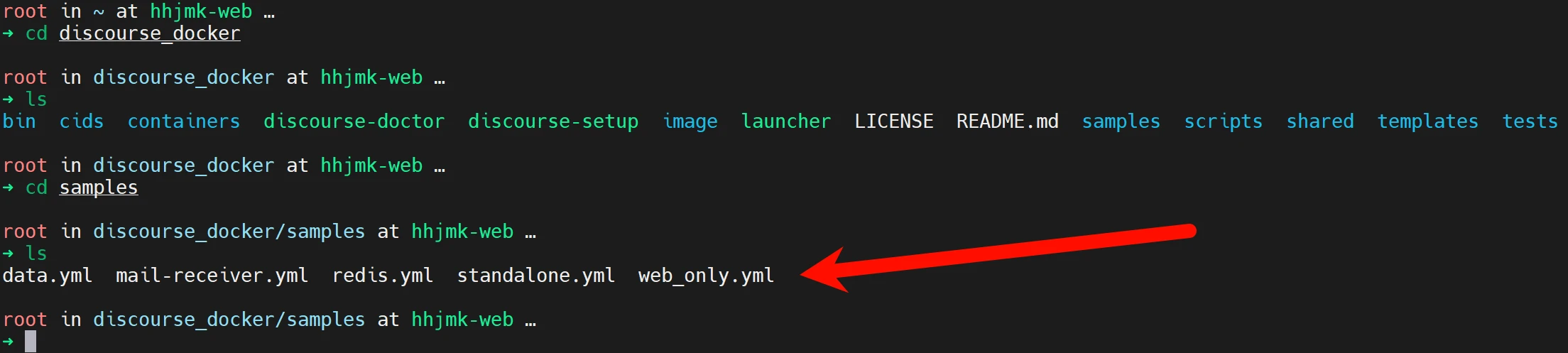
The official environment and the environments used in the now-ubiquitous tutorials are all brand-new environments, but during my actual deployment I found a problem: Not many people can actually afford a dedicated machine, or buy hardware themselves and install PVE for virtualization like I did; most deploy on a single server, running their own blog as well as other things. Most students use cost-effective providers such as 雨云, and 雨云 is probably the most used—after all, Other tutorials all introduce installation in a brand-new environment and do not explain how to solve port occupancy issues, which leads to when deploying Di

HTML Getting Started - Publishing a Website to the Public Internet
建站教程 • • 1

HTML Getting Started - Publishing a Website to the Public Internet

The threshold for publishing a website to the public Internet is very low. Simply put, you need a domain name and a server (or virtual hosting). Let's first look at the difference between a server and virtual hosting. A server uses virtualization technology to virtualize multiple low-spec servers on one high-spec server for customers to use. Generally speaking, a server offers a very high degree of freedom, and most have their own dedicated IP address, but everything must be manually set up from scratch, such as the web server, database, etc. However, you can also install a virtual hosting panel on your own server and rent it to other users, which can recover some costs.

Massive performance boost! Give your Matomo a high-performance environment!
技术文章 • • 1

Massive performance boost! Give your Matomo a high-performance environment!

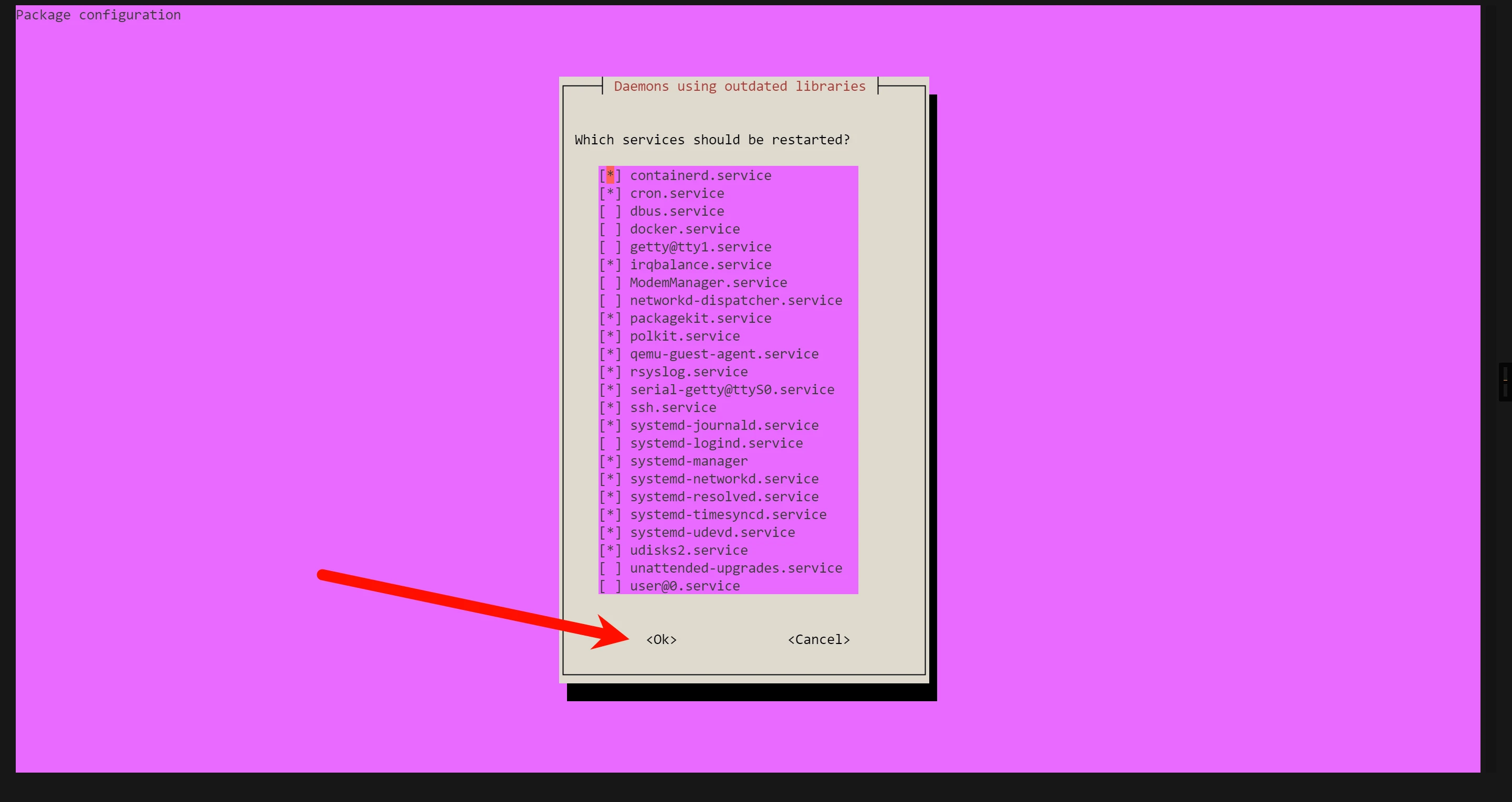
As my Matomo grows larger, feature requirements increase, and plugins become more and more numerous, using a traditional LNMP or LAMP architecture will reveal that performance is dropping sharply. To address this, we found a solution using FrankenPHP (hereinafter referred to as FPHP) Deploy the website We use the following command to install the database and gpg tools apt install mariadb-server gpg If a prompt like this appears, just ignore it and use the Tab key to switch to ok and press Enter First, we

Answer Installation
技术文章 • • 1

Answer Installation

This article was submitted by the original author (https://forum.rainyun.com/u/LIFL) Original address: Answer Installation Tutorial | 星空'Blog (chacks.top) Originality Statement This article is simultaneously published on 风屿岛, 雨云论坛, and 星空'Blog Please indicate the original address when reposting Introduction What is Answer? Answer helps you build a Q&A community among users or teams. You can share knowledge here and help users solve problems. Answer Official Answer

Step-by-Step Guide to Building a Garnet Docker Image
技术文章 • • 1

Step-by-Step Guide to Building a Garnet Docker Image

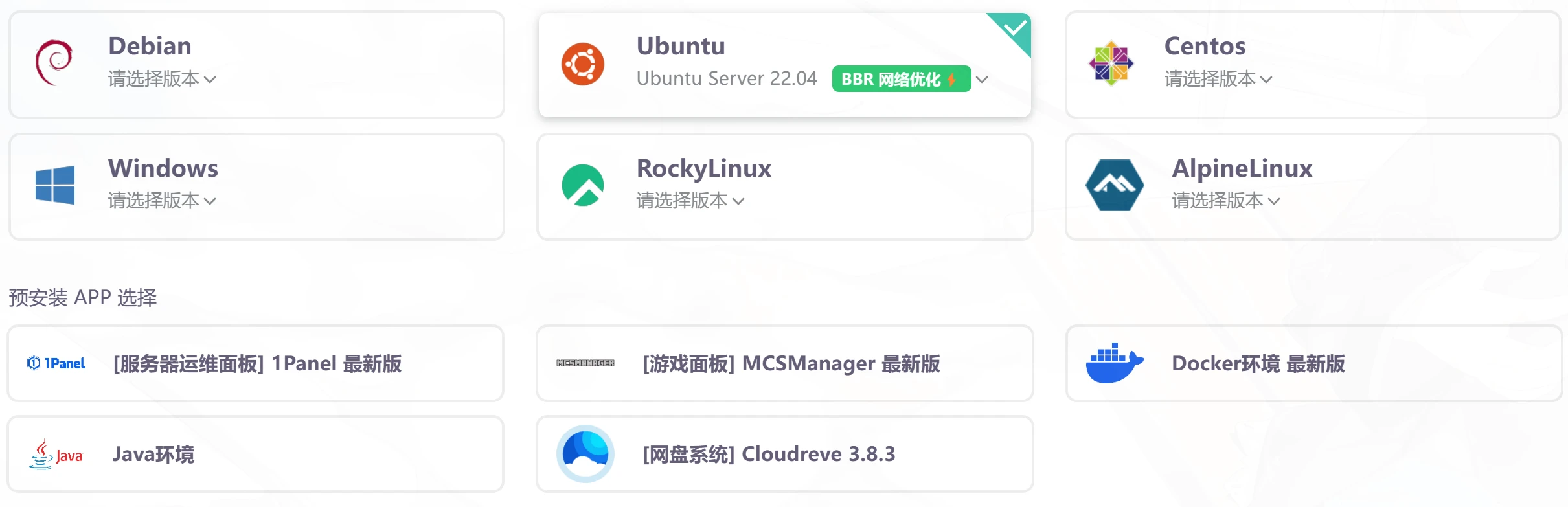
If you haven't read the bare-metal deployment guide, it is recommended to read it first [postsbox post_id="19337"] Prepare the server First, it is recommended to use a device with a relatively clean environment for the build to avoid any weird issues Here, we take the 1-yuan trial machine from 雨云 as an example, and fully demonstrate the Docker installation, so no APP is pre-installed, and the system uses Ubuntu 22.04 When purchasing, do not click Pay Now; click Trial on the right to get a 1-yuan 1-day trial After purchasing the trial machine,

A Step-by-Step Guide to Installing Garnet
技术文章 • • 1

A Step-by-Step Guide to Installing Garnet

What is Garnet Garnet is a Redis client-compatible caching component written in C# by Microsoft. You can connect to Garnet using the same connection method as a Redis client. However, Garnet requires the .NET8 runtime to run. For convenience, you can consider building it into a Docker image. Bare-metal deployment First, it is recommended to use an overseas server for building to avoid the domestic network environment affecting the installation process. This tutorial uses a 雨云 server and Ubuntu 22.0 provided by 雨云.

For only 5 yuan, a step-by-step guide to training a Nahida GPT-SoVITS model
技术文章 • • 5

For only 5 yuan, a step-by-step guide to training a Nahida GPT-SoVITS model

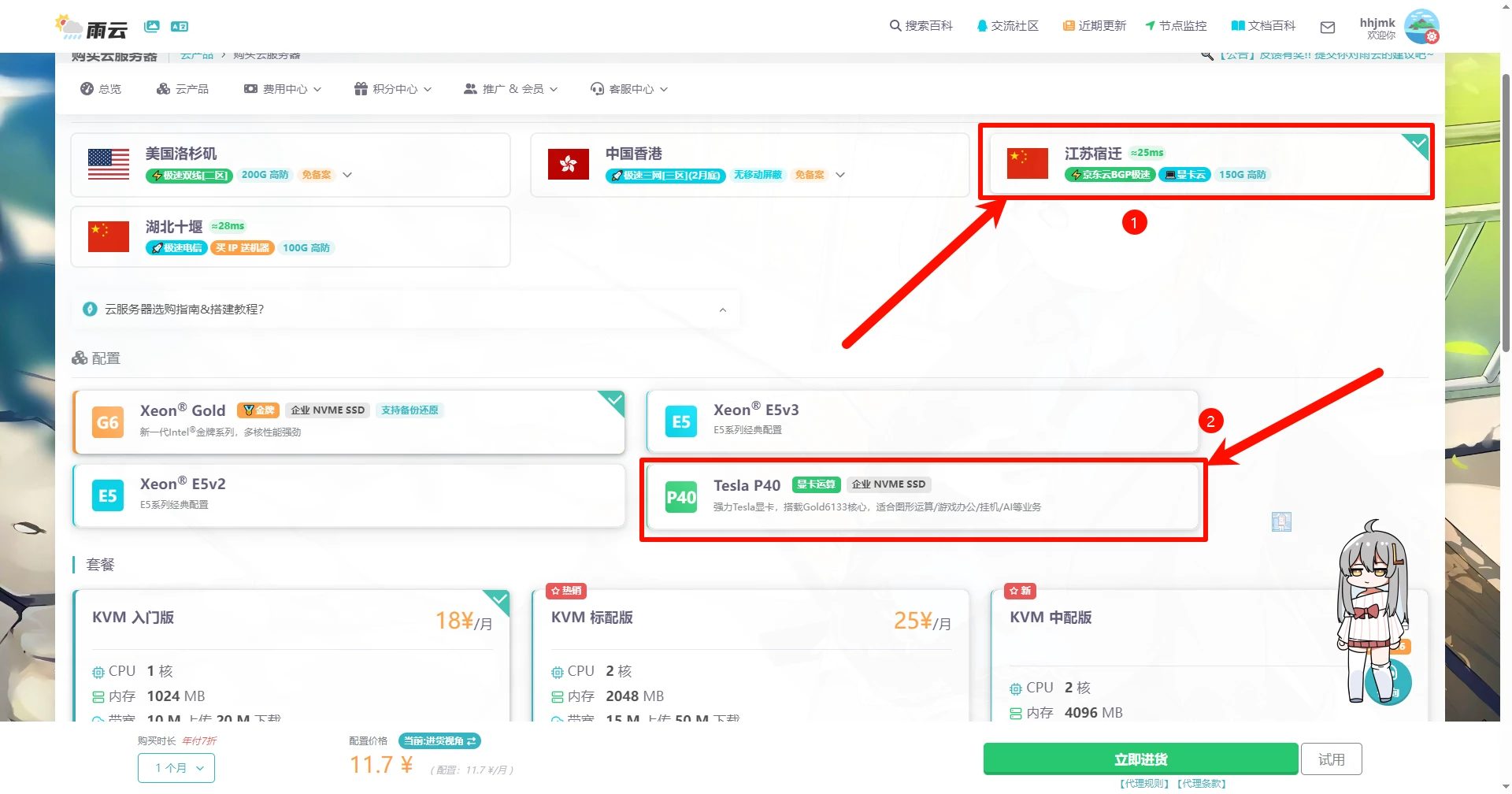
Purchasing a server First, we need to buy a GPU cloud server I highly recommend 雨云; discount code: wp-admin After successfully registering an account, go to: Purchase link Select Suqian GPU Cloud If you only need it for short-term use, it is recommended to choose the highest configuration; if for long-term use, choose according to your needs (mainly pay attention to VRAM) For the system, select Windows Server 2022 Datacenter This system comes with the NVIDIA GPU driver preinstalled by default, CUDA is enabled, and the version is as follows: NVIDIA-SMI 537.70, Driver

Build Your Own Website Analytics System with Matomo
技术文章 建站教程 • • 1

Build Your Own Website Analytics System with Matomo

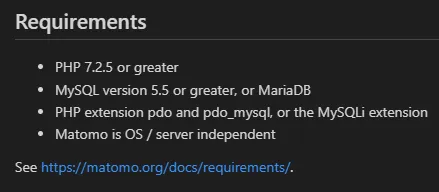
Have you ever thought about giving up Baidu Analytics and Google Analytics and using your own analytics code? Matomo can make this wish come true This tutorial uses the BT Panel for demonstration; the environment versions used are higher than the official requirements. Below are the officially required environment specifications: Translation: PHP 7.2.5 or higher MySQL version 5.5 or higher, or MariaDB Required PHP extensions: pdo and pdo_mysql, or the MySQLi extension Matomo runs independently of the system and server (can also be translated as independent of the system and server) I use

Deploying filestash with Docker: the same online file management software as 雨云 Object Storage
Linux 技术文章 • • 3

Deploying filestash with Docker: the same online file management software as 雨云 Object Storage

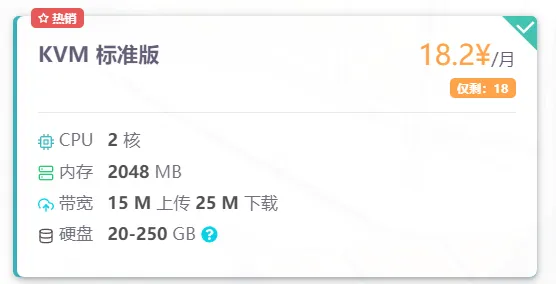
First, you need to go to 雨云 to buy a server Here we take 2C2G as an example We use Ubuntu 22.04 as the example system We connect via VNC and select Xtermjs In the pop-up window, directly enter root Then use Ctrl+Shift+V to paste the copied root password If this prompt appears, login is successful Then we install docker and docker-compose respectively with the following commands sudo apt update # The above updates the software package download address sudo ap

Self-hosted CDN Tutorial
技术文章 • • 2

Self-hosted CDN Tutorial

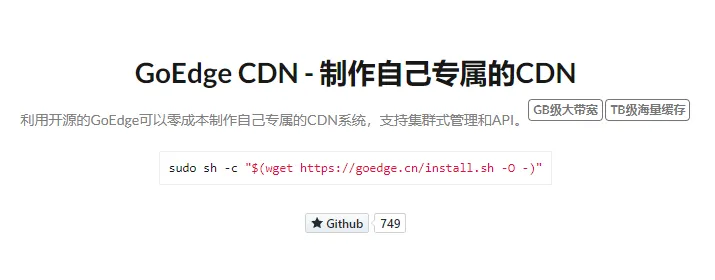
Choose a Suitable Server The image above shows the official configuration requirements. Since that's the case, of course we should focus on low cost, so just go to 雨云 and buy a 1c1g server. I chose Ubuntu Server 22.04 as the system. If you didn't pay attention to the system selection when purchasing, you can shut down the server and change the system. Install the Management Console Note: Because the management console needs to use MySQL, I recommend installing it on your main server. We choose the first option for the VNC connection: When the window changes to this state (as shown above), switch the input method to English and enter r