~/极核实验室 / category / linux
Found 6 articles
The official environment and the environments used in the now-ubiquitous tutorials are all brand-new environments, but during my actual deployment I found a problem:
Not many people can actually afford a dedicated machine, or buy hardware themselves and install PVE for virtualization like I did; most deploy on a single server, running their own blog as well as other things.
Most students use cost-effective providers such as 雨云, and 雨云 is probably the most used—after all,
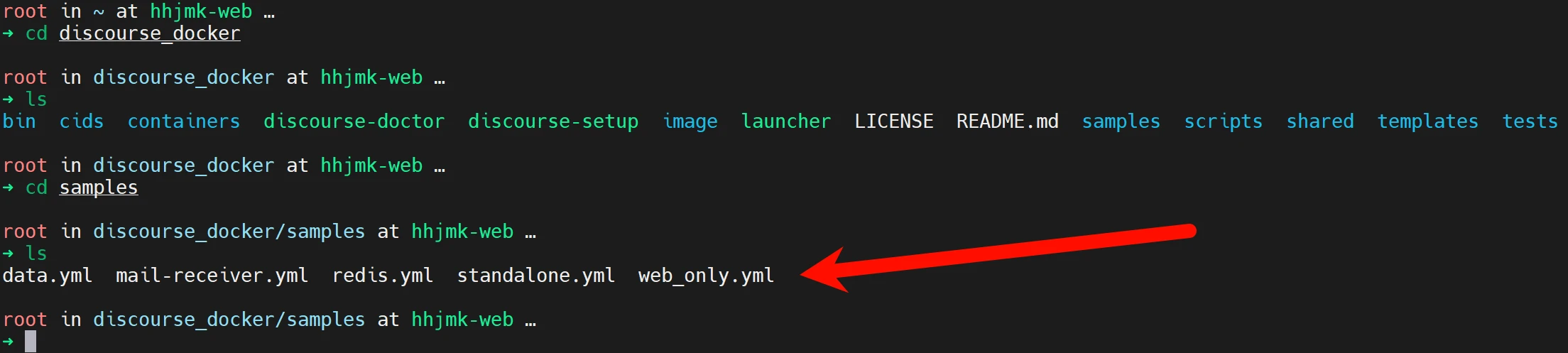
Other tutorials all introduce installation in a brand-new environment and do not explain how to solve port occupancy issues, which leads to when deploying Di
qBittorrent official download page: https://www.qbittorrent.org/download.php
Next, I will briefly explain how to install the latest stable version of qBittorrent using PPA on Ubuntu 20.04 64-bit.
It should be noted that what will be installed next is not the Ubuntu desktop version of qBittorrent, but the Webui version for server use.
First install the add-apt-repository command, if
With the continuous development of the Internet, we increasingly rely on the network for daily work and life. However, due to network instability and bandwidth limitations, we often encounter network congestion and latency issues. In this case, BBR acceleration can help us improve network transfer speed and reduce latency, allowing us to use the Internet more smoothly.
BBR acceleration is a new type of TCP congestion control algorithm. It can adaptively adjust the congestion window size according to network conditions, thereby optimizing network transfer speed and reducing latency. Compared with traditional TCP congestion control algorithms, BBR acceleration can more precisely sense
First, you need to go to 雨云 to buy a server
Here we take 2C2G as an example
We use Ubuntu 22.04 as the example system
We connect via VNC and select Xtermjs
In the pop-up window, directly enter root
Then use Ctrl+Shift+V to paste the copied root password
If this prompt appears, login is successful
Then we install docker and docker-compose respectively with the following commands
sudo apt update
# The above updates the software package download address
sudo ap
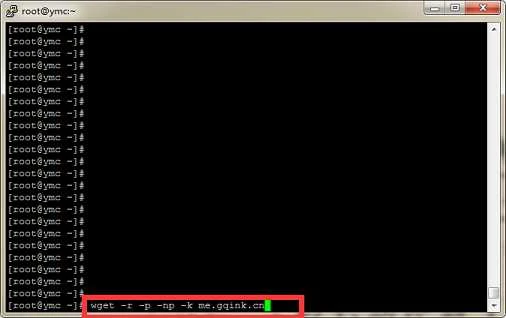
Run command
wget -r -p -np -k me.gqink.cn
Parameter description
-r --recursive (recursive) specify recursive download. (specify recursive download)
-k --convert-links (convert links) make links in downloaded HTML point to local files. (convert links in downloaded HTML pages into relative links, i.e., local links
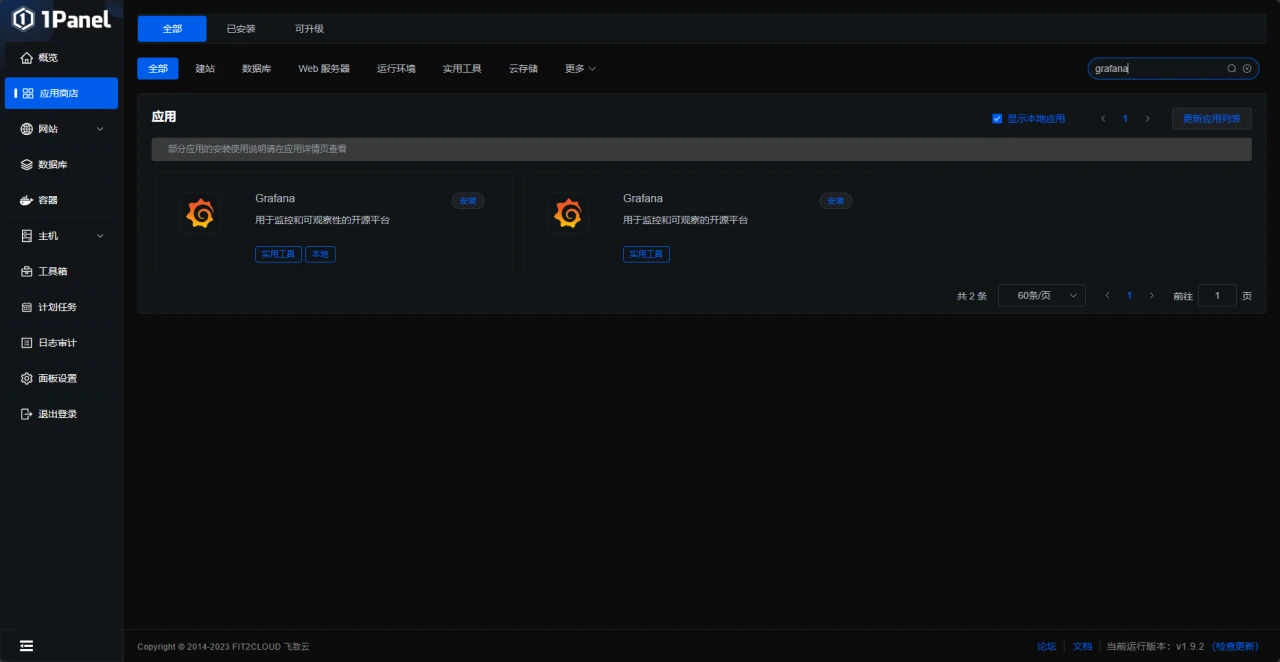
If you use 1Panel, both Grafana and Prometheus have one-click versions in 1Panel, but the method of using the 1Panel apps has not been tested
If you want to use 1Panel, you can choose pre-installation when purchasing a server
The image above is a pre-installation example from Rainyun; some providers may not support pre-installation, see Online Installation - 1Panel Documentation
This article uses a home cloud + centos for demonstration
Preparations
First prepare the software environment
node_exporter
prometh