#WordPress
Browse all WindBlog tags and find articles by topic.
Create an Extremely High-Performance WordPress Site with FrankenPHP + sidekick
Deploy the application Refer to the official example repository (View on GitHub) services: wordpress: image: wpeverywhere/frankenwp:latest-php8.3 restart: always ports: - "8100:80" # HTTP environment: SERVER_NAME
WordPress Loading Slowly? The Most Useful WordPress Optimization Tutorial on the Web
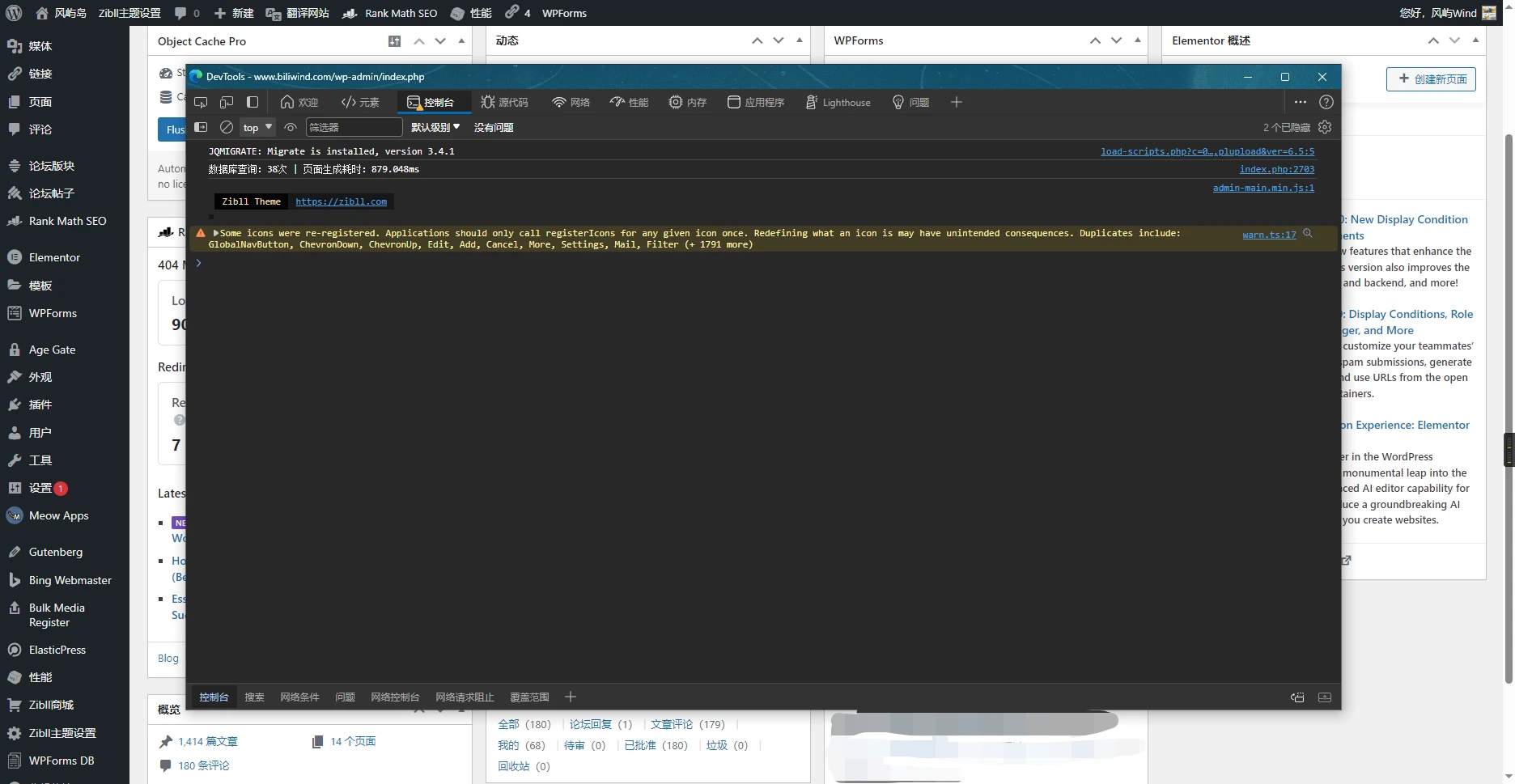
This site's optimization results Backend around 880ms Some plugins used on this site Optimization Tutorial Plugin Selection Recommendations When choosing plugins, be sure to ensure that multiple plugins do not have conflicting functions, especially caching and optimization plugins Someone once asked in a certain group: "I installed more than 10 caching plugins, why is the site still slow?" For this kind of problem, one caching plugin with a poor configuration is enough to slow down performance, let alone more than 10 Every time you change cache settings, be sure to test whether the frontend and backend functions work properly In some special cases, enabling caching can actually make loading slower

WordPress from Beginner to Mastery [Setting Up WordPress]
Preface: To make the demonstration easier, the first few screenshots were captured using the Playground environment Accessing the Dashboard After setting up WordPress, click the second menu item in the top-right corner (Profile) or the second menu item in the top-left corner (Dashboard) to enter the WordPress dashboard WordPress site homepage (default theme) After entering the backend, you can see the feature list on the left, the Admin Bar at the top, and the main area in the center In the list on the left, you can find all currently available settings, features, tools, etc.
Configure QUIC CDN for LiteSpeed Cache
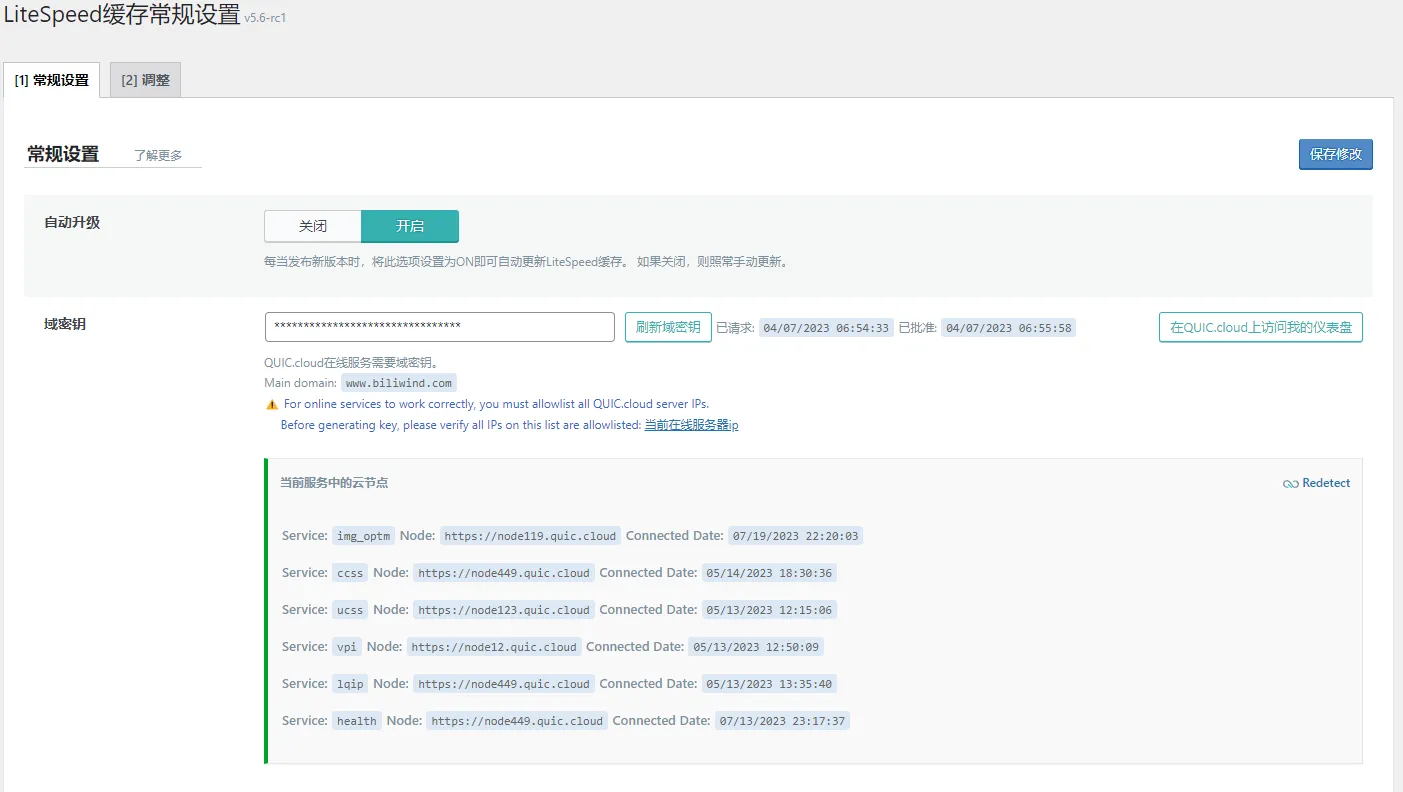
LiteSpeed's official free policy is really great; after successfully configuring the domain key and binding it to your account, you can This tutorial uses a 雨云 2-core 2G server, because the LSCache plugin comes with a crawler that can crawl your own website and check the cache status. If it finds a page for which no cache has been created, the crawler will generate the corresponding version of the cache to speed up access; to crawl and generate cache quickly, you can use a server with a higher CPU frequency and more cores, and the memory should not be too small either After installing the LiteSpeed Cache plugin,
WordPress Optimization Guide - Images - Pages - CDN - Completely Free!
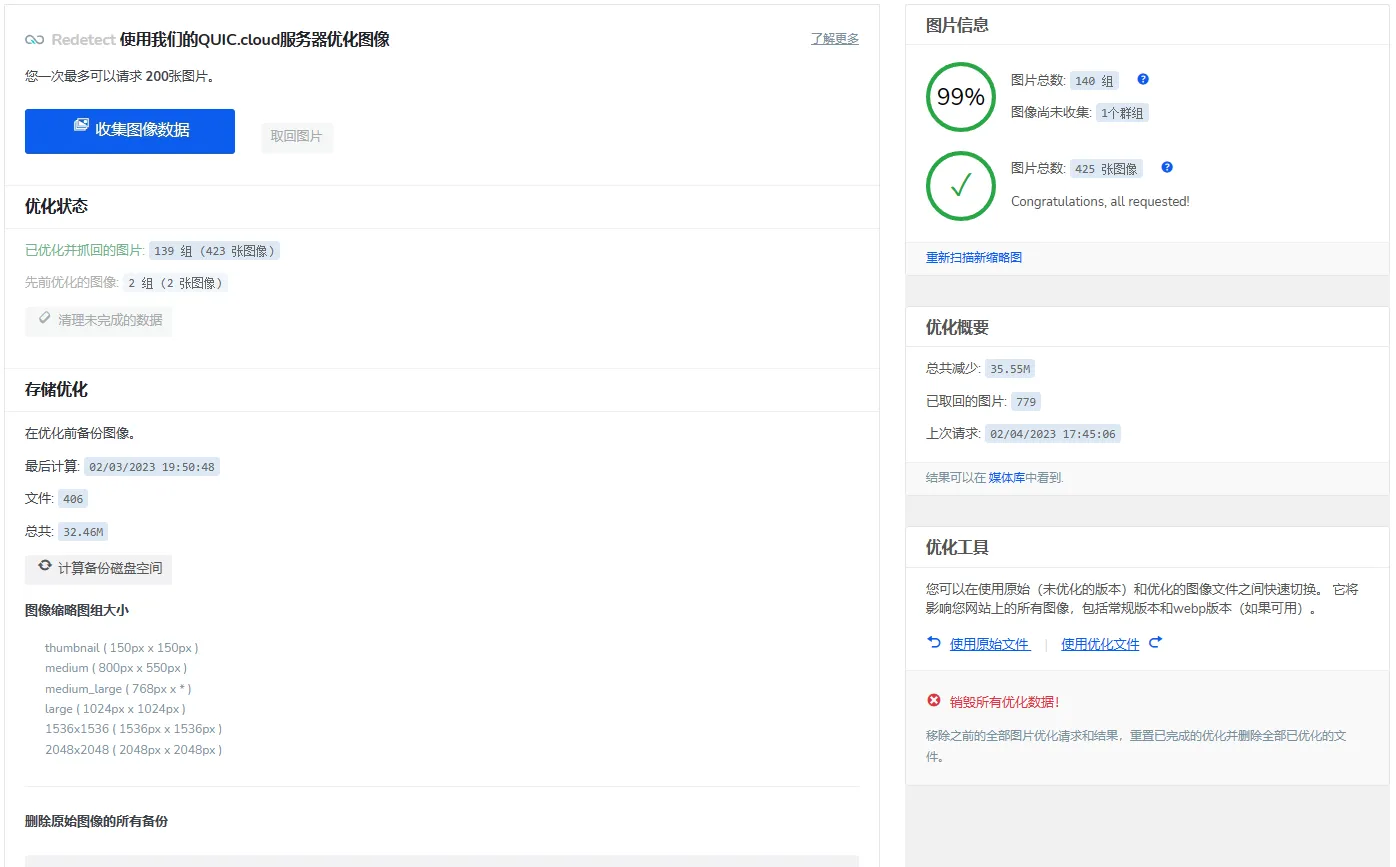
When you clicked in, you've already won Image Optimization Highly recommended; currently, apart from online services, there is no charge at all “It can actually support WebP replacement?!” I was shocked at the time too Unlimited optimization quota I previously searched online for many image optimization plugins that claimed to be “free.” Since I prefer using WebP format rather than png, jpg, etc., whether WebP conversion and WebP replacement are supported under the free plan became one of my main criteria for screening. I looked at EWWW Optimizer, Imagify, Smush one after another