WordPress from Beginner to Mastery [Setting Up WordPress]
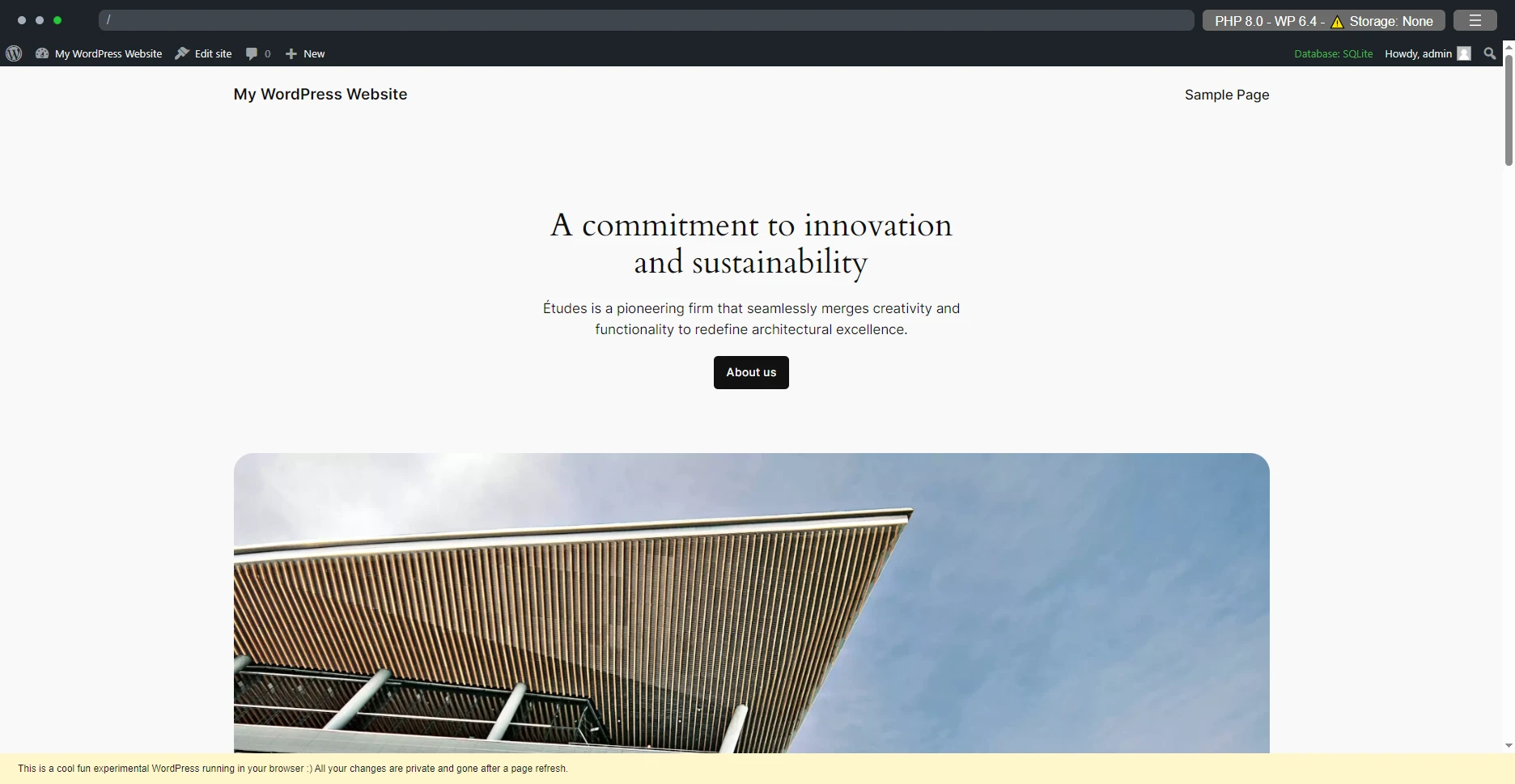
Preface: To make the demonstration easier, the first few screenshots were captured using the Playground environment Accessing the Dashboard After setting up WordPress, click the second menu item in the top-right corner (Profile) or the second menu item in the top-left corner (Dashboard) to enter the WordPress dashboard WordPress site homepage (default theme) After entering the backend, you can see the feature list on the left, the Admin Bar at the top, and the main area in the center In the list on the left, you can find all currently available settings, features, tools, etc.