极
极核实验室
Tag archive

#优化

Browse all WindBlog tags and find articles by topic.

Articles: 5 View all tags
WordPress Loading Slowly? The Most Useful WordPress Optimization Tutorial on the Web
技术文章 • • 1

WordPress Loading Slowly? The Most Useful WordPress Optimization Tutorial on the Web

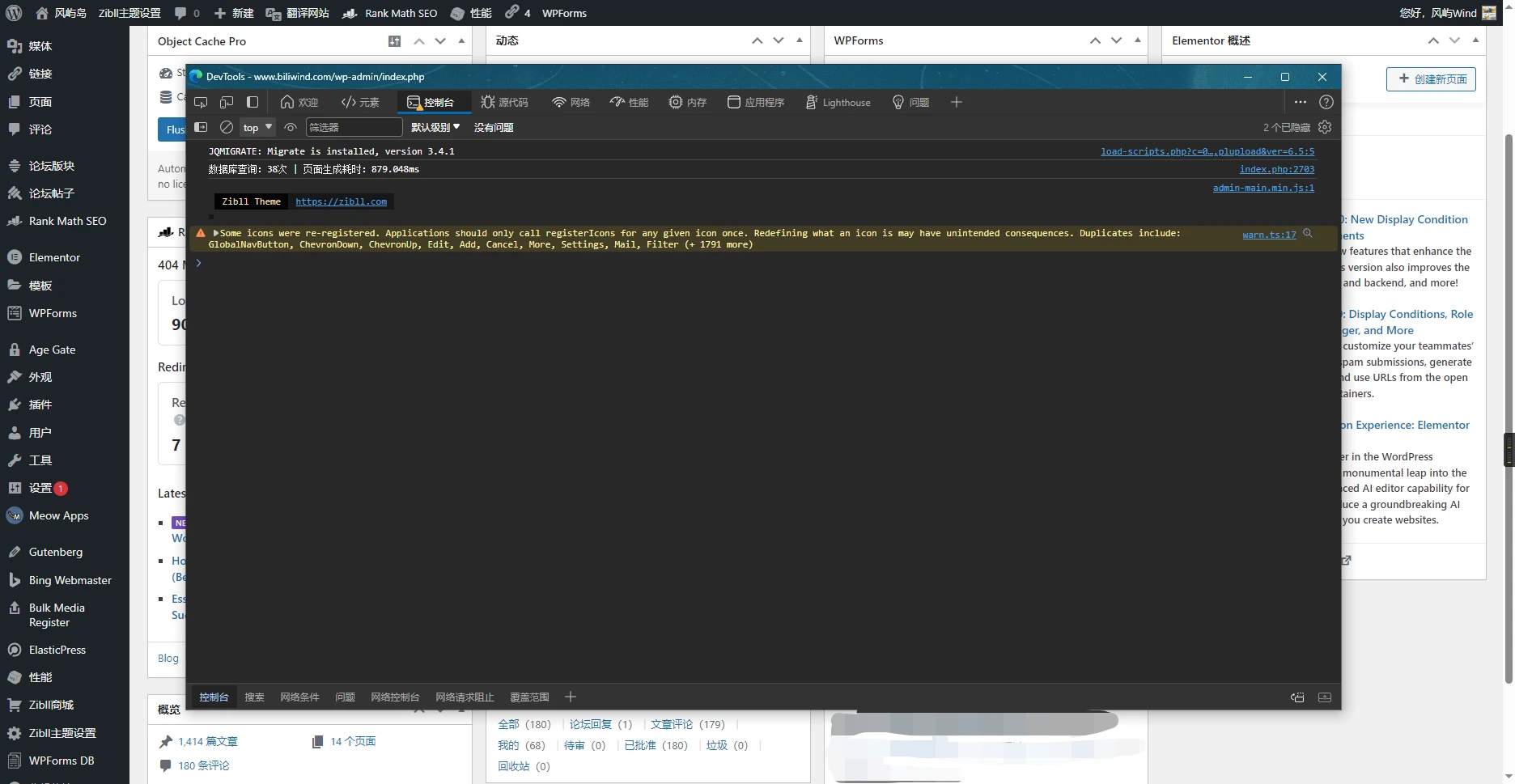
This site's optimization results Backend around 880ms Some plugins used on this site Optimization Tutorial Plugin Selection Recommendations When choosing plugins, be sure to ensure that multiple plugins do not have conflicting functions, especially caching and optimization plugins Someone once asked in a certain group: "I installed more than 10 caching plugins, why is the site still slow?" For this kind of problem, one caching plugin with a poor configuration is enough to slow down performance, let alone more than 10 Every time you change cache settings, be sure to test whether the frontend and backend functions work properly In some special cases, enabling caching can actually make loading slower

WordPress Optimization: Database Edition
技术文章 WordPress • • 1

WordPress Optimization: Database Edition

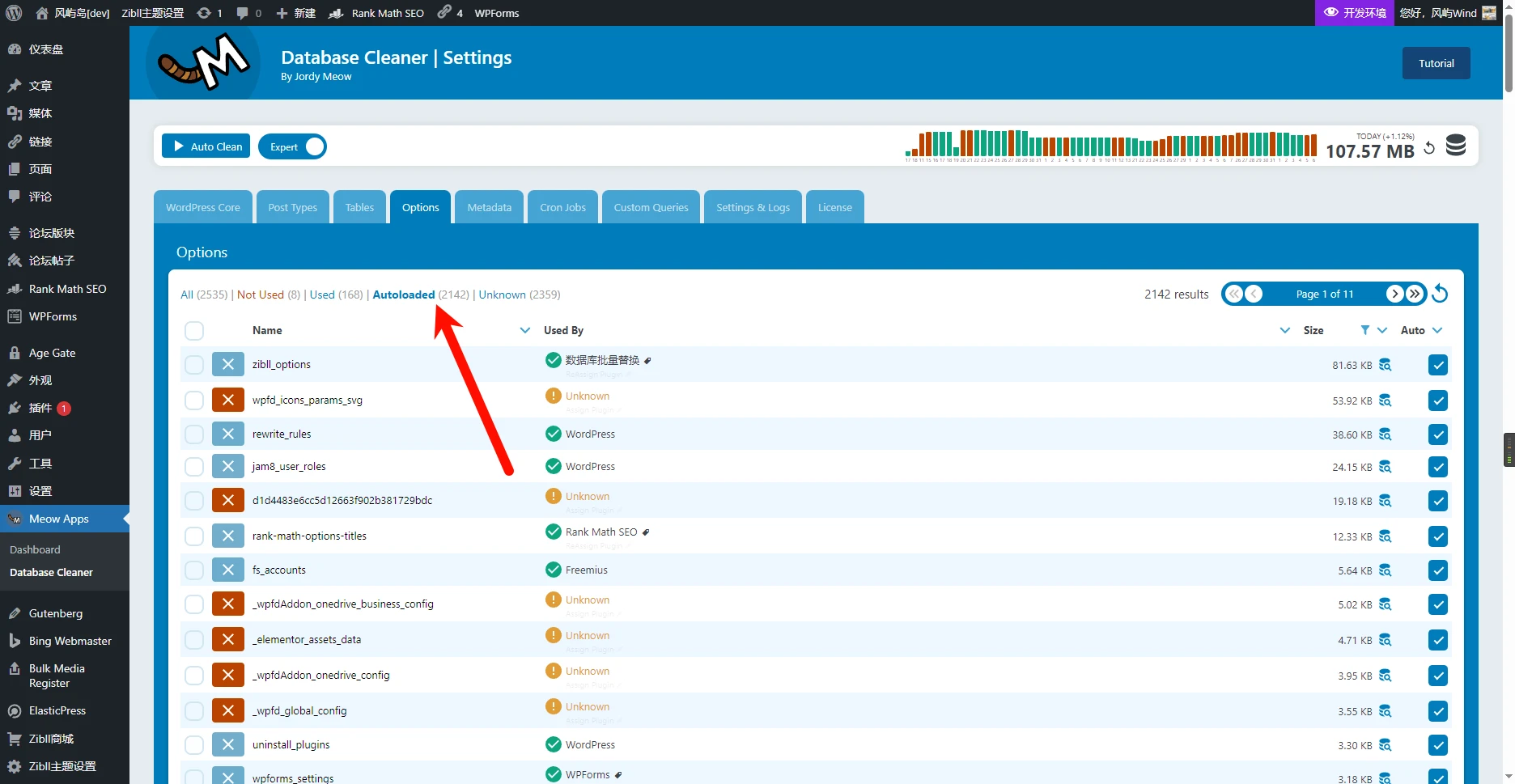
Optimizing AutoLoad The autoload attribute of a MySQL table controls whether the table is automatically loaded into memory when the database starts. When set to 1, the table is automatically loaded when the database starts, which can speed up frequently queried tables, but it also consumes memory space. When set to 0, the table is not automatically loaded, which can save memory space, but it needs to be loaded on the first query, so it is slower. For relatively large WordPress sites, be sure to check the size and row count of the “wp-postmeta” table. In general, this table can

Hand-write a plugin to add a timestamp to the end of uploaded filenames to prevent excessive SQL queries
技术文章 WordPress WordPress插件 • • 1

Hand-write a plugin to add a timestamp to the end of uploaded filenames to prevent excessive SQL queries

In the WordPress Media Library, when a file is uploaded, it first queries the database to check whether a file with the same filename exists; if it does, it continues to query the next filename. This causes the number of SQL requests to keep increasing after repeatedly uploading a file with the same filename (even if the file contents are different). Many plugins currently either prepend a timestamp to the filename or directly rename the filename to a timestamp, which makes finding files very difficult. For this reason, I recommend getting the extension, adding a timestamp to the end of the filename, and then appending the extension back. Below is the complete code; you can

技术文章 建站教程 • • 2

Easily Add PJAX No-Refresh Loading to Your Website

What is pjax? Simply put, it uses ajax technology to fetch documents from the server, updating the current page without refreshing the browser page, and ensures that files such as the page's js and css are not loaded repeatedly. Then, using the pushState feature provided by the browser, it updates the URL and ensures that users can go back to historical pages by clicking the back button. Why use pjax? pjax can bring a better experience. Loading a new page does not require reloading css and js.