WordPress
Browse all WindBlog categories and find articles by topic.
Subcategories
No subcategories.
Related articles

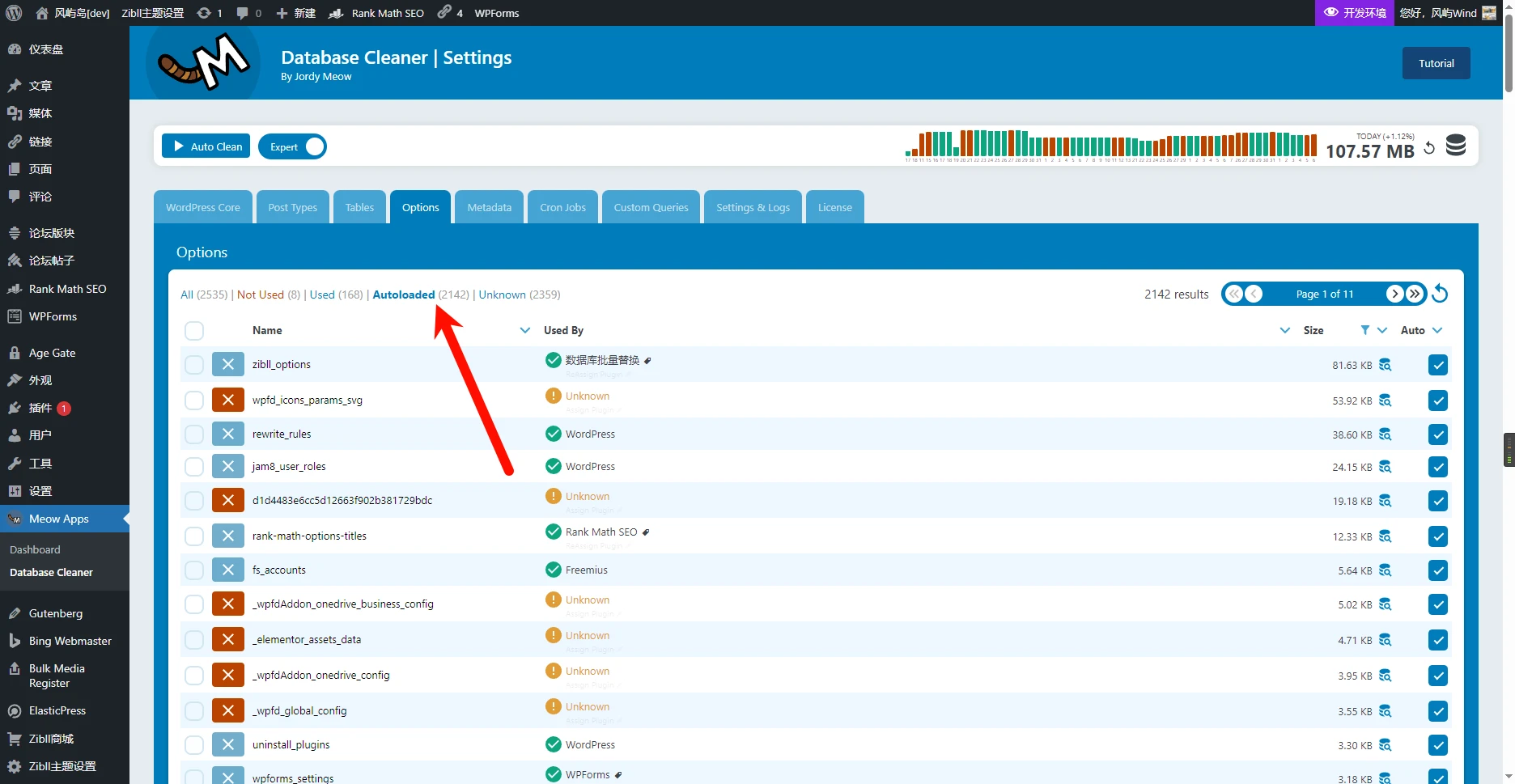
WordPress Optimization: Database Edition
Optimizing AutoLoad The autoload attribute of a MySQL table controls whether the table is automatically loaded into memory when the database starts. When set to 1, the table is automatically loaded when the database starts, which can speed up frequently queried tables, but it also consumes memory space. When set to 0, the table is not automatically loaded, which can save memory space, but it needs to be loaded on the first query, so it is slower. For relatively large WordPress sites, be sure to check the size and row count of the “wp-postmeta” table. In general, this table can
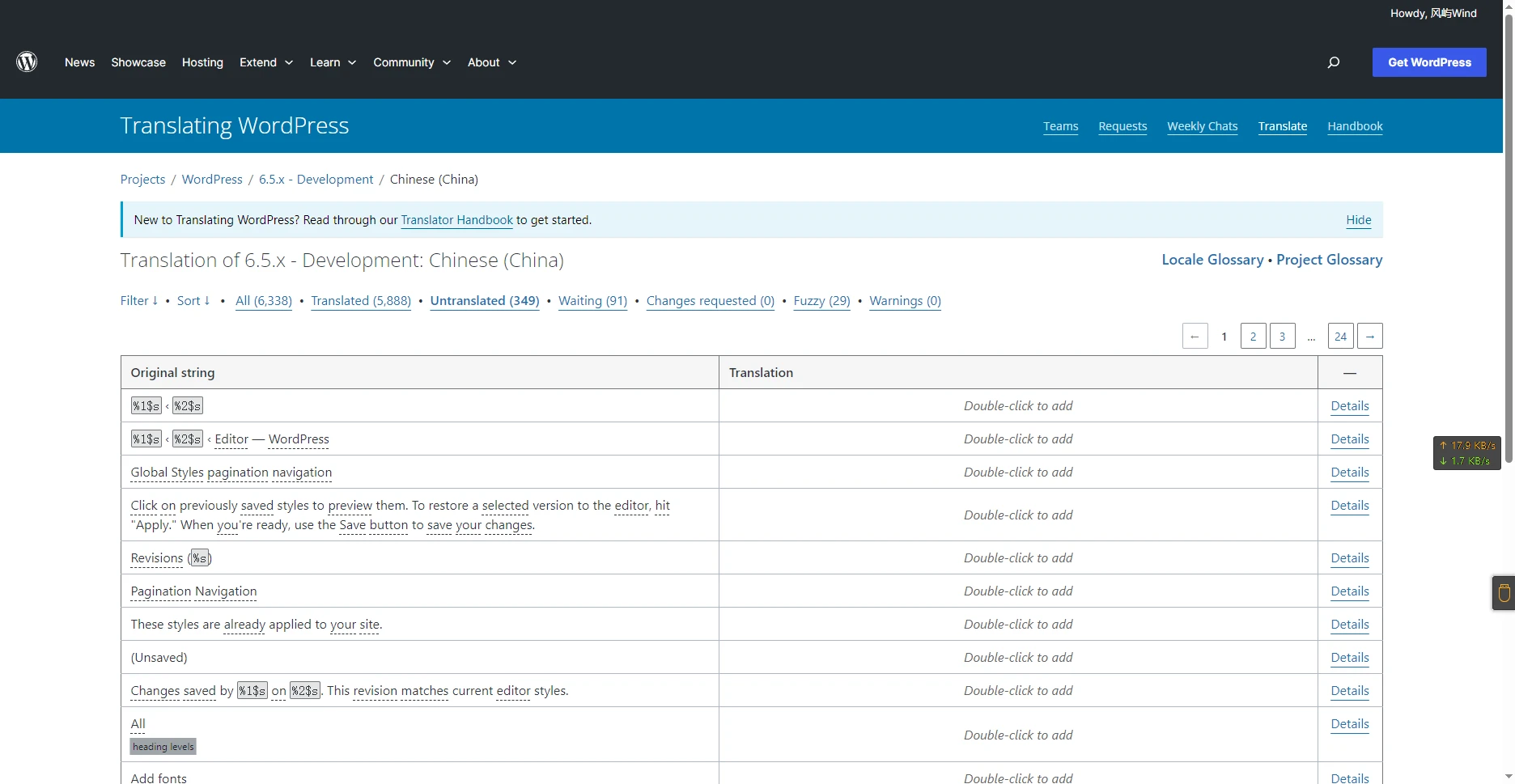
WordPress 6.5 Is Coming Soon (New Features Overview)
WordPress 6.5 is expected to be released on March 26. The core program is currently accepting translation suggestions and corrections for new strings, and you are welcome to participate in translation. In addition, WordPress official has stated that WordPress 6.5 will be the first major release of 2024. Font Library With the Font Library, you can easily manage your website's fonts. At the same time, the Font Library can also connect to Google Fonts to obtain online fonts. If you want to disable the Font Library to avoid unrelated code slowing down the site, you can add the following to wp-config.p
Hand-write a plugin to add a timestamp to the end of uploaded filenames to prevent excessive SQL queries
In the WordPress Media Library, when a file is uploaded, it first queries the database to check whether a file with the same filename exists; if it does, it continues to query the next filename. This causes the number of SQL requests to keep increasing after repeatedly uploading a file with the same filename (even if the file contents are different). Many plugins currently either prepend a timestamp to the filename or directly rename the filename to a timestamp, which makes finding files very difficult. For this reason, I recommend getting the extension, adding a timestamp to the end of the filename, and then appending the extension back. Below is the complete code; you can

WordPress from Beginner to Mastery [Setting Up WordPress]
Preface: To make the demonstration easier, the first few screenshots were captured using the Playground environment Accessing the Dashboard After setting up WordPress, click the second menu item in the top-right corner (Profile) or the second menu item in the top-left corner (Dashboard) to enter the WordPress dashboard WordPress site homepage (default theme) After entering the backend, you can see the feature list on the left, the Admin Bar at the top, and the main area in the center In the list on the left, you can find all currently available settings, features, tools, etc.
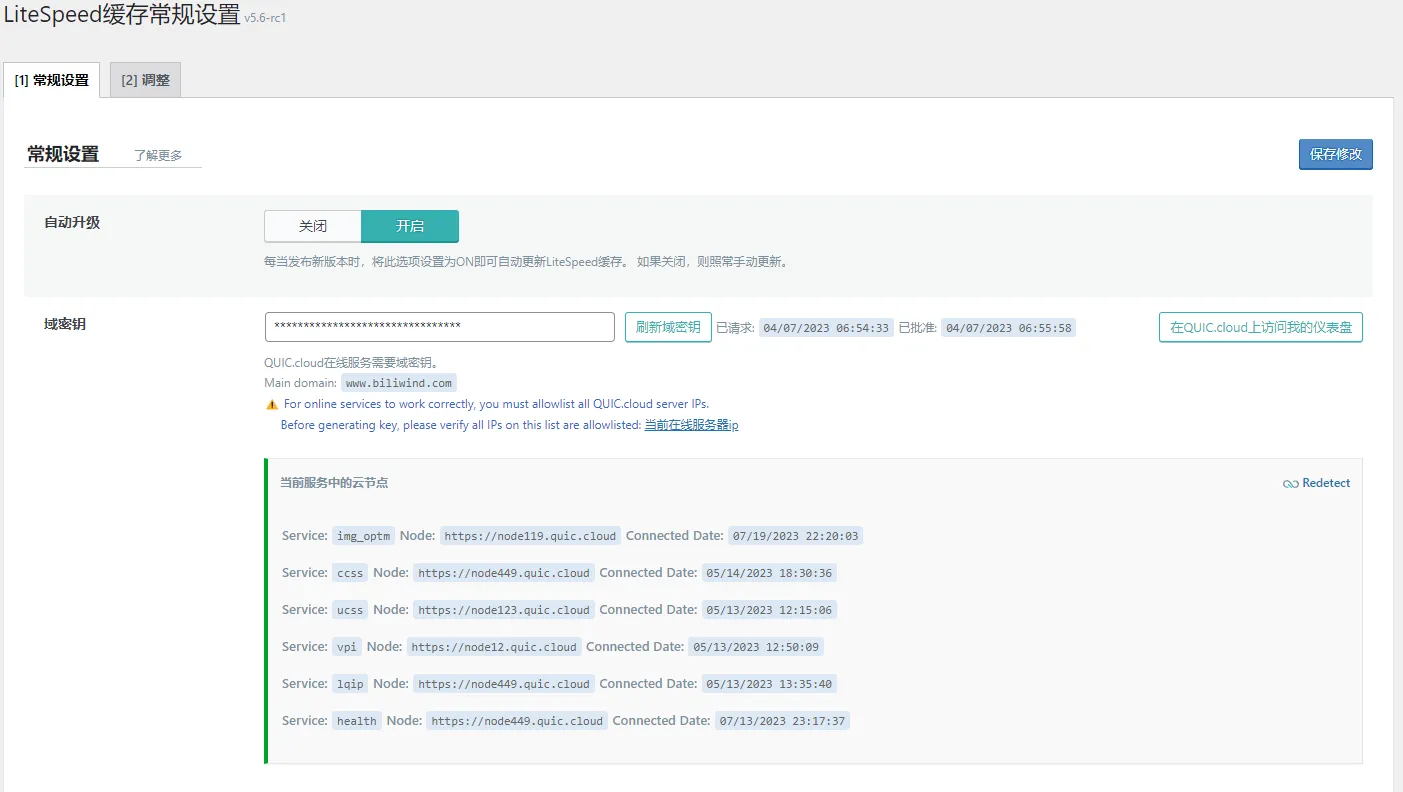
Configure QUIC CDN for LiteSpeed Cache
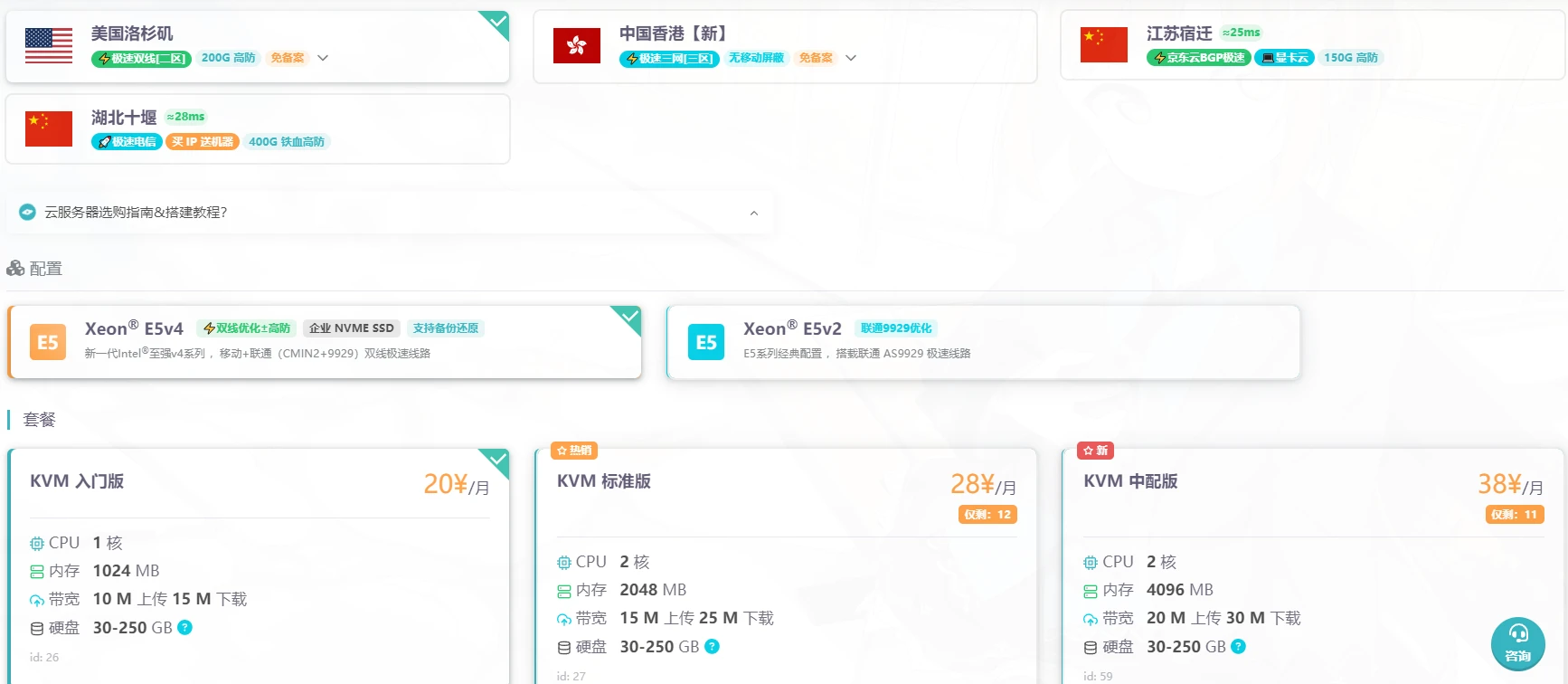
LiteSpeed's official free policy is really great; after successfully configuring the domain key and binding it to your account, you can This tutorial uses a 雨云 2-core 2G server, because the LSCache plugin comes with a crawler that can crawl your own website and check the cache status. If it finds a page for which no cache has been created, the crawler will generate the corresponding version of the cache to speed up access; to crawl and generate cache quickly, you can use a server with a higher CPU frequency and more cores, and the memory should not be too small either After installing the LiteSpeed Cache plugin,

WordPress Optimization Guide - Images - Pages - CDN - Completely Free!
When you clicked in, you've already won Image Optimization Highly recommended; currently, apart from online services, there is no charge at all “It can actually support WebP replacement?!” I was shocked at the time too Unlimited optimization quota I previously searched online for many image optimization plugins that claimed to be “free.” Since I prefer using WebP format rather than png, jpg, etc., whether WebP conversion and WebP replacement are supported under the free plan became one of my main criteria for screening. I looked at EWWW Optimizer, Imagify, Smush one after another