
A Step-by-Step Guide to Installing Garnet
Repost license
Request authorization before reposting and retain the authorization code, original URL, and go/affiliate links.
Original URL:https://www.geekcorelab.com/post/hand-in-hand-teaching-you-how-to-install-garnet
The commercial link is an authorized go short link that must stay on the reposted page. It records the source before sending readers to the original article.
What is Garnet
Garnet is a Redis client-compatible caching component written in C# by Microsoft. You can connect to Garnet using the same connection method as a Redis client.
However, Garnet requires the .NET8 runtime to run. For convenience, you can consider building it into a Docker image.
Bare-metal deployment
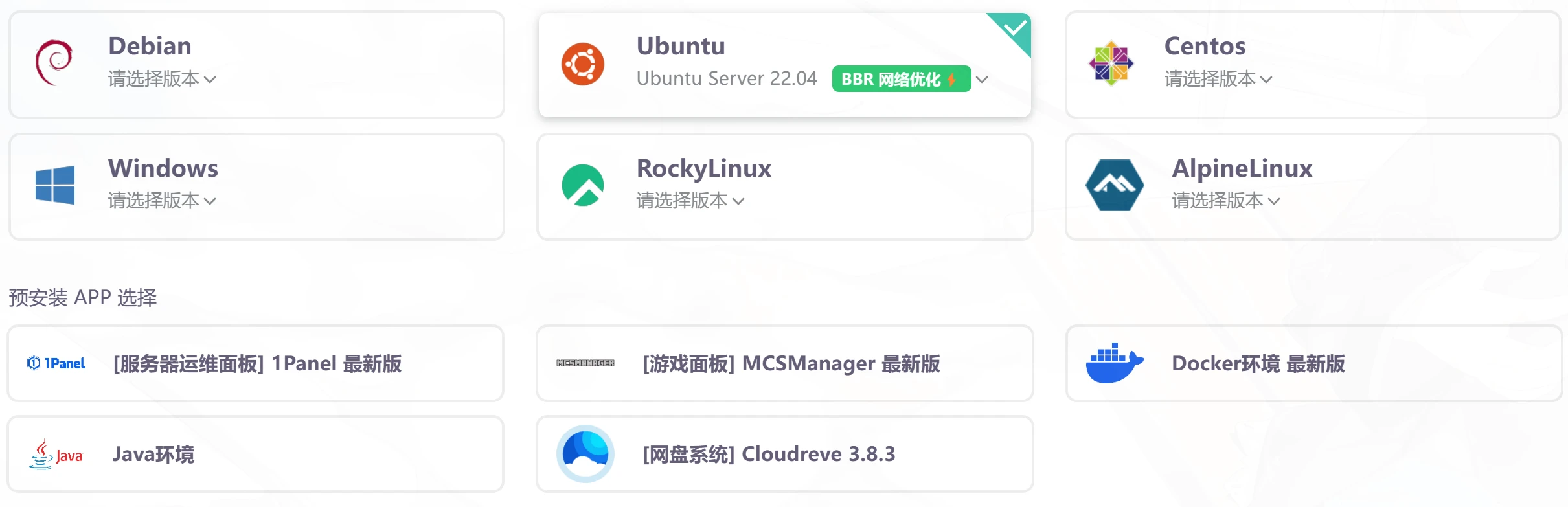
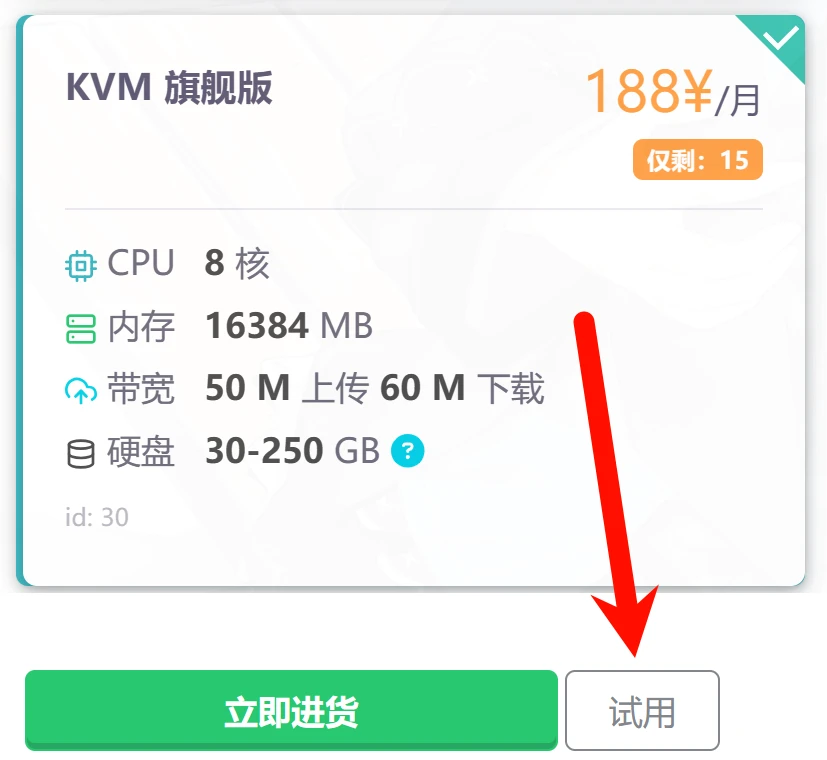
First, it is recommended to use an overseas server for building to avoid the domestic network environment affecting the installation process. This tutorial uses a 雨云 server and Ubuntu 22.04 provided by 雨云 with no preinstalled apps. If you encounter any problems during installation, you can try a 1 元 one-day trial machine from 雨云; one day is enough to compile Garnet. Because the process involves compilation, here we directly try a machine with 8 cores and 16G memory.
First, you need to download the Garnet source code.
git clone https://github.com/microsoft/garnet.git
After that, you need to install a .NET8 SDK1
First, we download the installation script provided by Microsoft and grant it execute permission.
wget https://dot.net/v1/dotnet-install.sh -O dotnet-install.sh
chmod +x ./dotnet-install.sh
Run the script to install the .NET8 SDK.
./dotnet-install.sh --channel 8.0
Wait a moment until the following appears:

Installation finished successfully.
That means the installation was successful. Next, you need to set an environment variable.
export DOTNET_ROOT=$HOME/.dotnet
export PATH=$PATH:$DOTNET_ROOT:$DOTNET_ROOT/tools
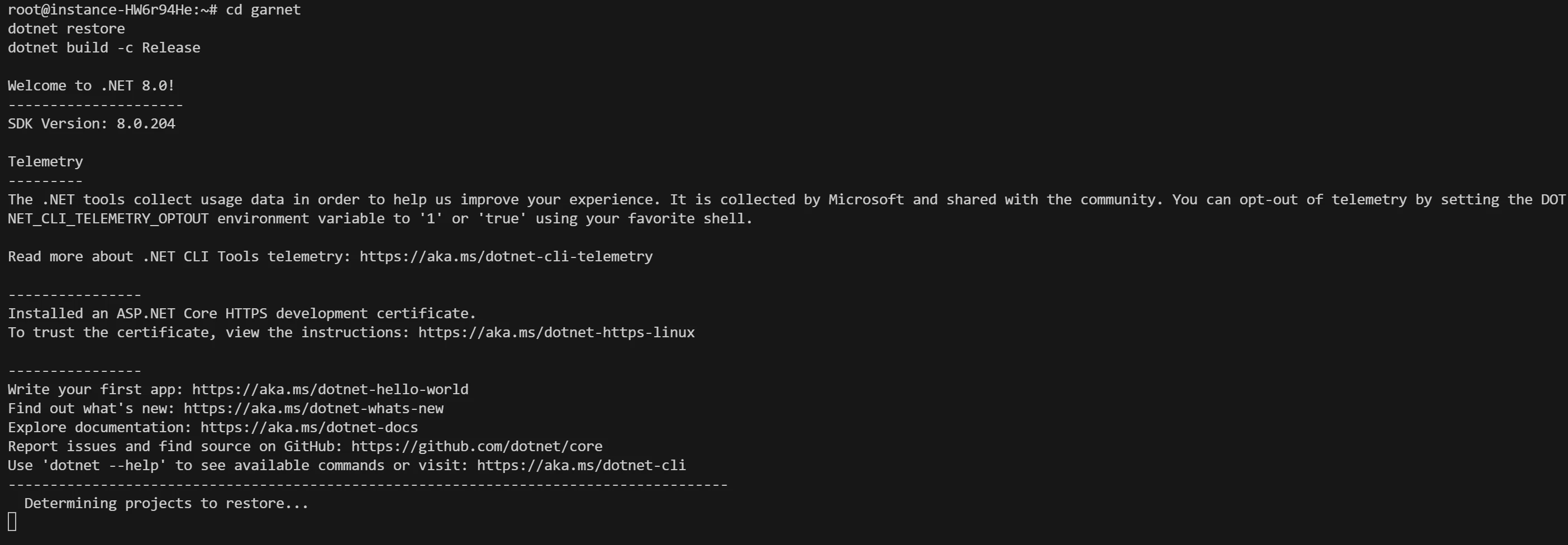
After that, run the build command to start building.
cd garnet
dotnet restore
dotnet build -c Release
After a moment, you will see a build success message. These three lines mean:
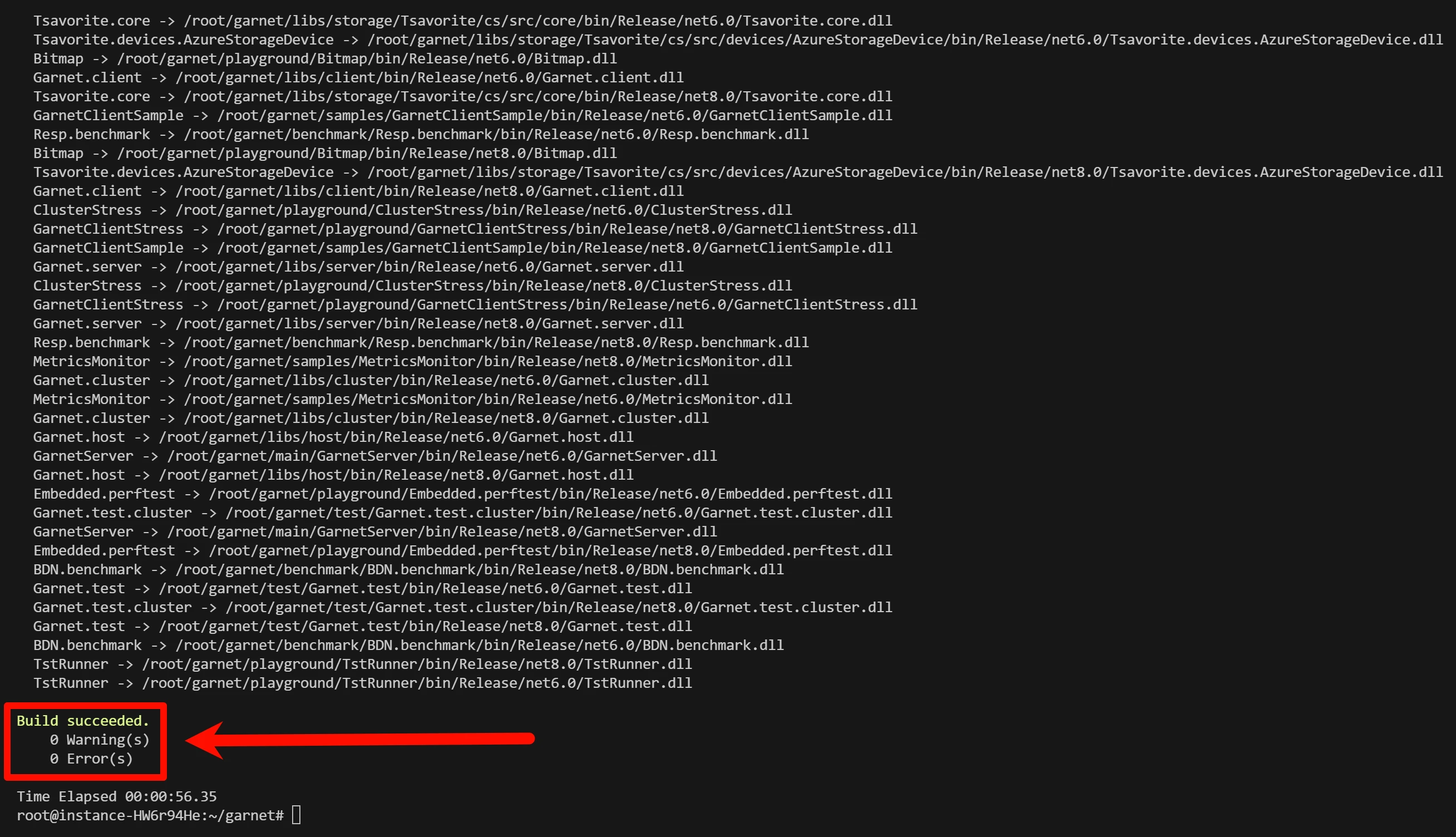
- Build succeeded
- 0 warnings
- 0 errors
Next, let's try running it.
cd main/GarnetServer
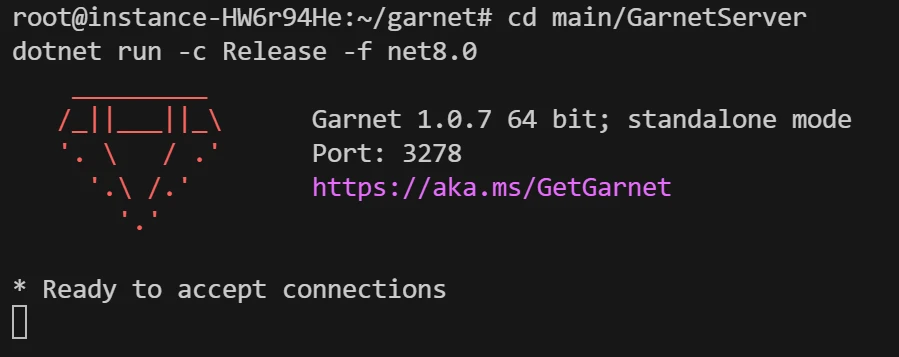
dotnet run -c Release -f net8.0
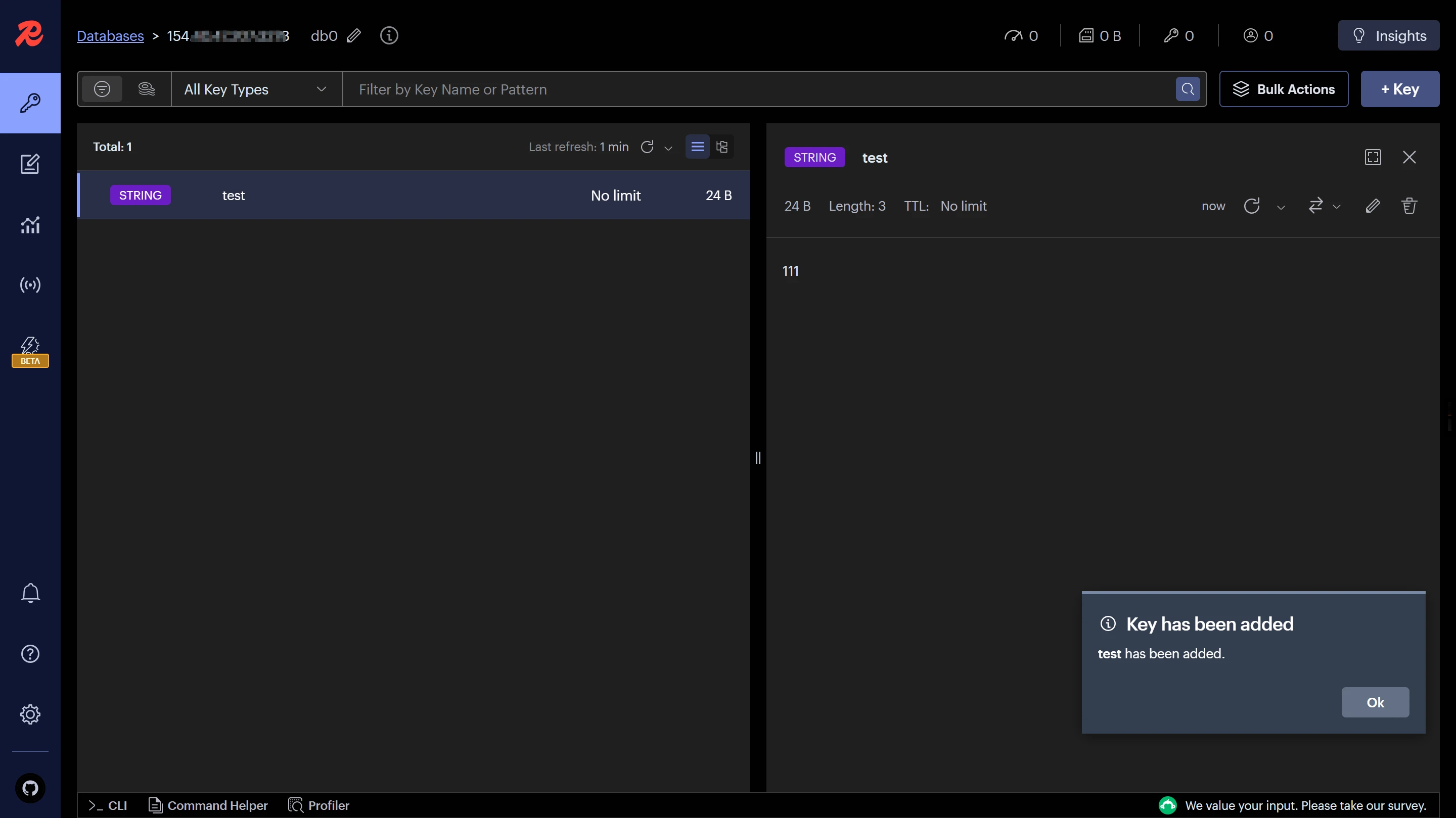
You can see that there is already a red gem. Try connecting to it. Note that Garnet uses port 3278. Those migrating directly from Redis should pay attention to changing the connection method, but there is no need to change the client; just use the Redis client to connect.
Create a Key:
Success
Comments
Discussion
Be kind and keep the discussion friendly.
Discussion
0 comments