技术文章
Browse all WindBlog categories and find articles by topic.
Subcategories
No subcategories.
Related articles
Guide to Deploying Discourse When the Port Is Occupied
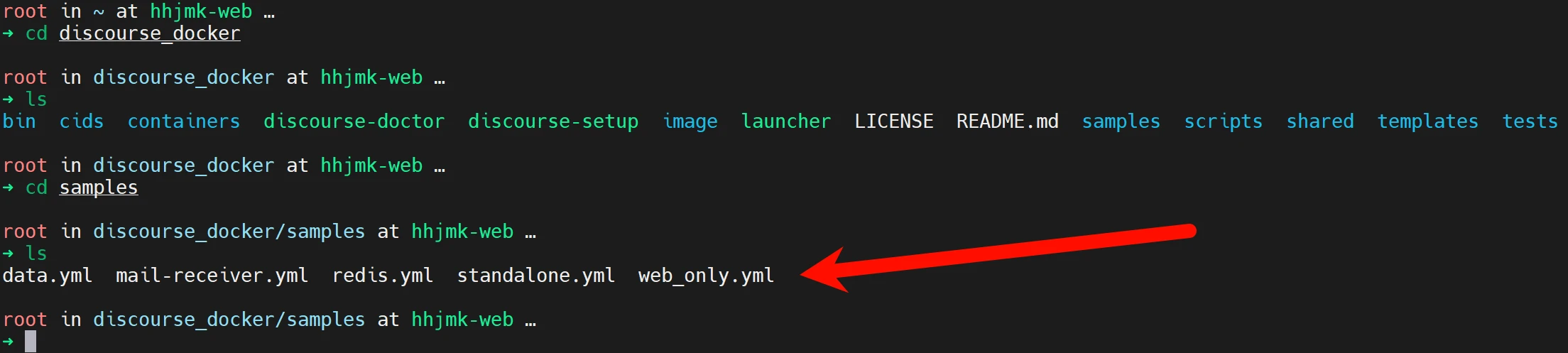
The official environment and the environments used in the now-ubiquitous tutorials are all brand-new environments, but during my actual deployment I found a problem: Not many people can actually afford a dedicated machine, or buy hardware themselves and install PVE for virtualization like I did; most deploy on a single server, running their own blog as well as other things. Most students use cost-effective providers such as 雨云, and 雨云 is probably the most used—after all, Other tutorials all introduce installation in a brand-new environment and do not explain how to solve port occupancy issues, which leads to when deploying Di
From Novice to Website Building Expert (1): Finding Open Source Projects
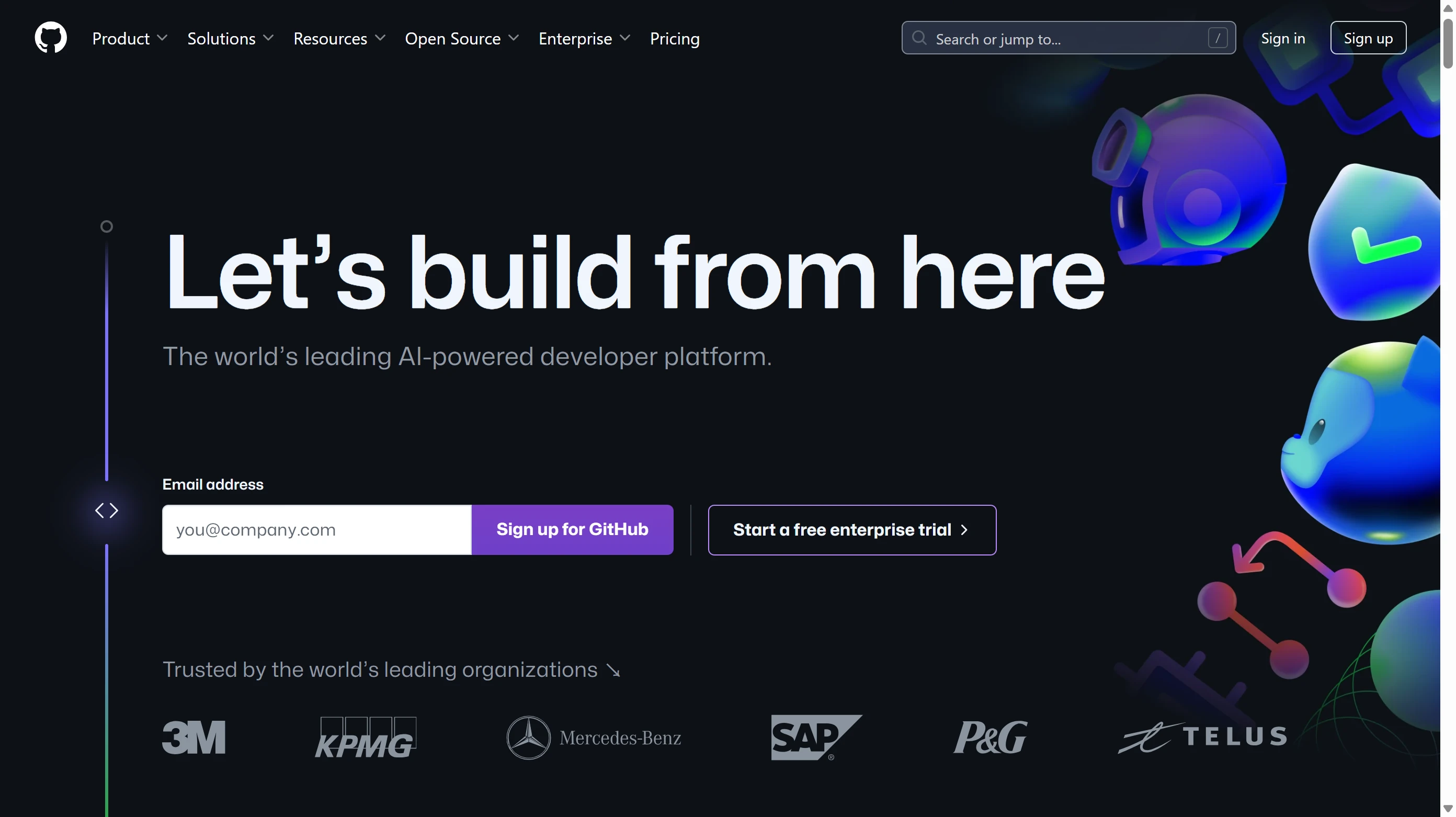
If you still don't know how to find some free and easy-to-use source code to deploy websites, services, etc., I highly recommend reading this article. This article explains how to use GitHub's search function to find high-quality open source projects, and you can also learn how, when you encounter a website that looks like it was deployed from an open source project, to reverse-engineer what open source it uses
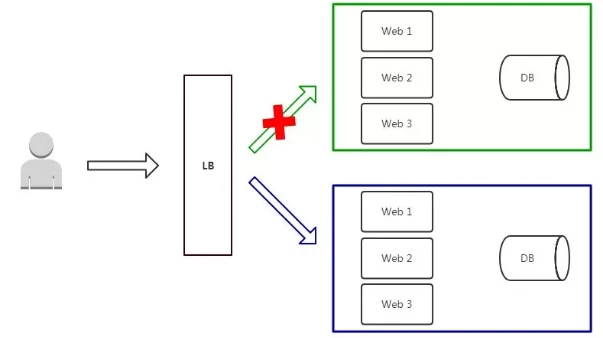
The Most Comprehensive Guide - APISIX Blue-Green Deployment
In real environments, upgrades are often fraught with risk. In some cases, the entire service may crash immediately after an update. If you use something like Docker, it's not too bad—you can roll back to a previous version using tags—but there will always be some downtime. In such cases, we can try blue-green deployment. Official documentation's description/usage of blue-green deployment Blue-Green Deployment In a blue-green deployment scenario, you need to maintain two environments. Once new changes are tested and accepted in the blue environment (staging), user traffic is shifted from the green environment (production) to the blue environment.

Deploy the Apisix gateway + graphical management in five minutes with Docker compose
First, let's confirm that Git and Vim are already installed on the server, since we'll need them later Since we are using Ubuntu, the commands are apt-get update apt-get install git vim -y After the execution is complete, clone the official repository git clone https://github.com/apache/apisix-docker.git cd apisix-docker/example Next
Create an Extremely High-Performance WordPress Site with FrankenPHP + sidekick
Deploy the application Refer to the official example repository (View on GitHub) services: wordpress: image: wpeverywhere/frankenwp:latest-php8.3 restart: always ports: - "8100:80" # HTTP environment: SERVER_NAME

Beginner Webmaster Pitfall Avoidance Guide (TLS, SSL Edition)
The browser warns that the site is not secure As shown specifically in the figure (Edge browser), under normal circumstances, when visiting a website, a small lock should be displayed in front of the address bar (as shown below) Many beginners may think that “not secure” here means the website has a virus or is an illegal website, but this is incorrect. Let’s click the “Not secure” prompt to see exactly why It can be seen that the connection is not secure; it is not because there is a virus or because it is an illegal website. Let’s continue clicking in to take a look It can be seen that the ultimate reason is that there is no certificate. The certificate here is an SSL certificate (also called a TLS certificate)
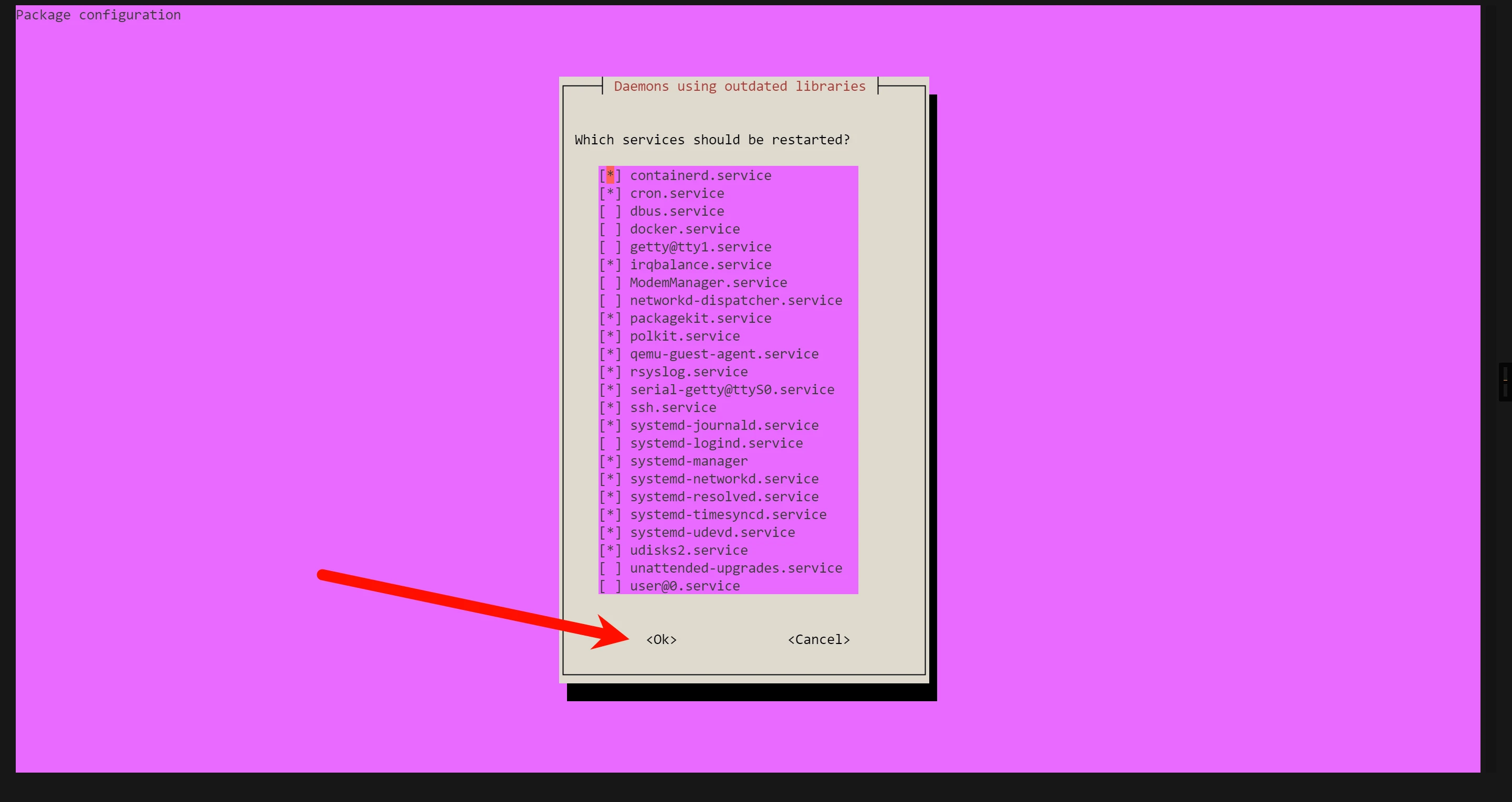
Massive performance boost! Give your Matomo a high-performance environment!
As my Matomo grows larger, feature requirements increase, and plugins become more and more numerous, using a traditional LNMP or LAMP architecture will reveal that performance is dropping sharply. To address this, we found a solution using FrankenPHP (hereinafter referred to as FPHP) Deploy the website We use the following command to install the database and gpg tools apt install mariadb-server gpg If a prompt like this appears, just ignore it and use the Tab key to switch to ok and press Enter First, we

Answer Installation
This article was submitted by the original author (https://forum.rainyun.com/u/LIFL) Original address: Answer Installation Tutorial | 星空'Blog (chacks.top) Originality Statement This article is simultaneously published on 风屿岛, 雨云论坛, and 星空'Blog Please indicate the original address when reposting Introduction What is Answer? Answer helps you build a Q&A community among users or teams. You can share knowledge here and help users solve problems. Answer Official Answer
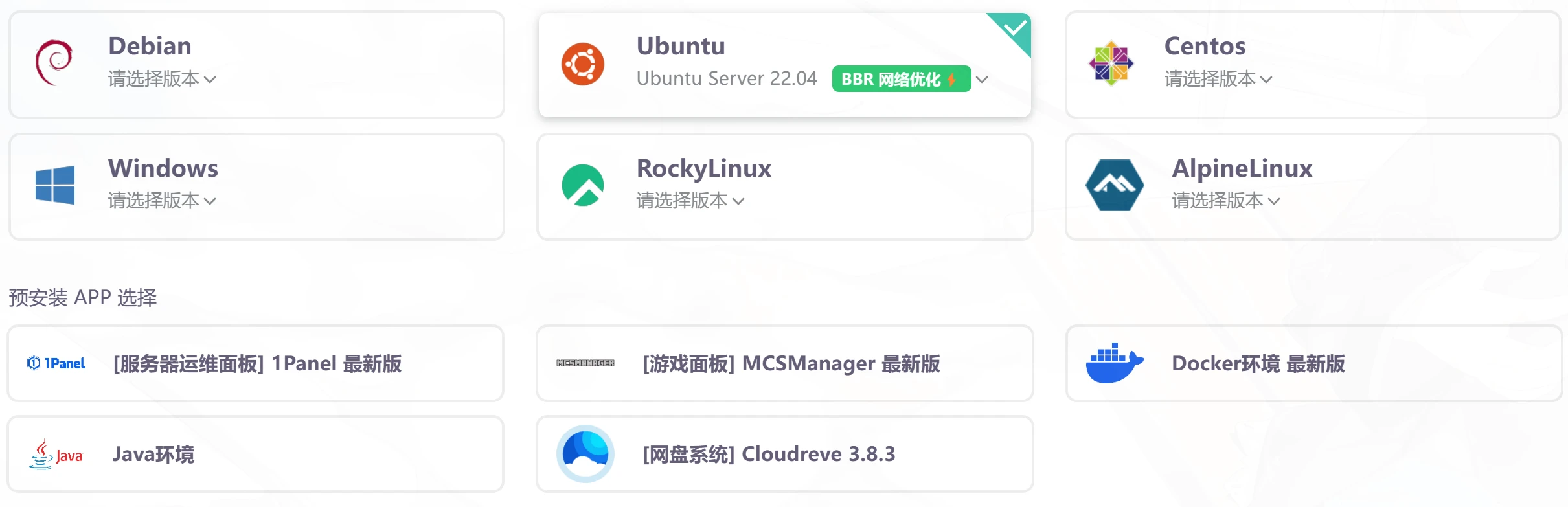
Step-by-Step Guide to Building a Garnet Docker Image
If you haven't read the bare-metal deployment guide, it is recommended to read it first [postsbox post_id="19337"] Prepare the server First, it is recommended to use a device with a relatively clean environment for the build to avoid any weird issues Here, we take the 1-yuan trial machine from 雨云 as an example, and fully demonstrate the Docker installation, so no APP is pre-installed, and the system uses Ubuntu 22.04 When purchasing, do not click Pay Now; click Trial on the right to get a 1-yuan 1-day trial After purchasing the trial machine,
A Step-by-Step Guide to Installing Garnet
What is Garnet Garnet is a Redis client-compatible caching component written in C# by Microsoft. You can connect to Garnet using the same connection method as a Redis client. However, Garnet requires the .NET8 runtime to run. For convenience, you can consider building it into a Docker image. Bare-metal deployment First, it is recommended to use an overseas server for building to avoid the domestic network environment affecting the installation process. This tutorial uses a 雨云 server and Ubuntu 22.0 provided by 雨云.