~/极核实验室 / tag / jiao-cheng
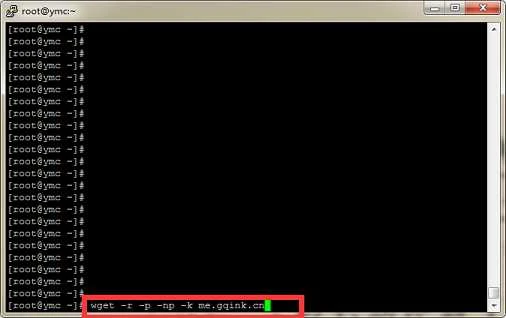
Run command
wget -r -p -np -k me.gqink.cn
Parameter description
-r --recursive (recursive) specify recursive download. (specify recursive download)
-k --convert-links (convert links) make links in downloaded HTML point to local files. (convert links in downloaded HTML pages into relative links, i.e., local links
Start PHP Session
Before you can store user information in a PHP session, you must first start a session
<?php
session_start();
?>
Store Session Variables
<?php
$_SESSION['UserName']='gqink';
?>
Retrieve Session Variables
<?php
echo $_SESSION[
Introduction
Websites generally set the access-control-allow-origin HTTP header only when they need to share resources with other websites (transfer data across origins)
Setting Access-Control-Allow-Origin can solve cross-origin issues with multiple domains
Access-Control-Allow-Origin * allows all websites to access cross-origin
Access-Control-Allow-Origin gqink.cn allows gqink.cn to access cross-origin
Recently I found that compressing the website's CSS and JavaScript makes it run much faster
Let me share the code: use PHP to process and compress all CSS and JS into a single file for output
CSS
<?php
header('Content-type: text/css');
ob_start("compress");
function compress($buffer) {
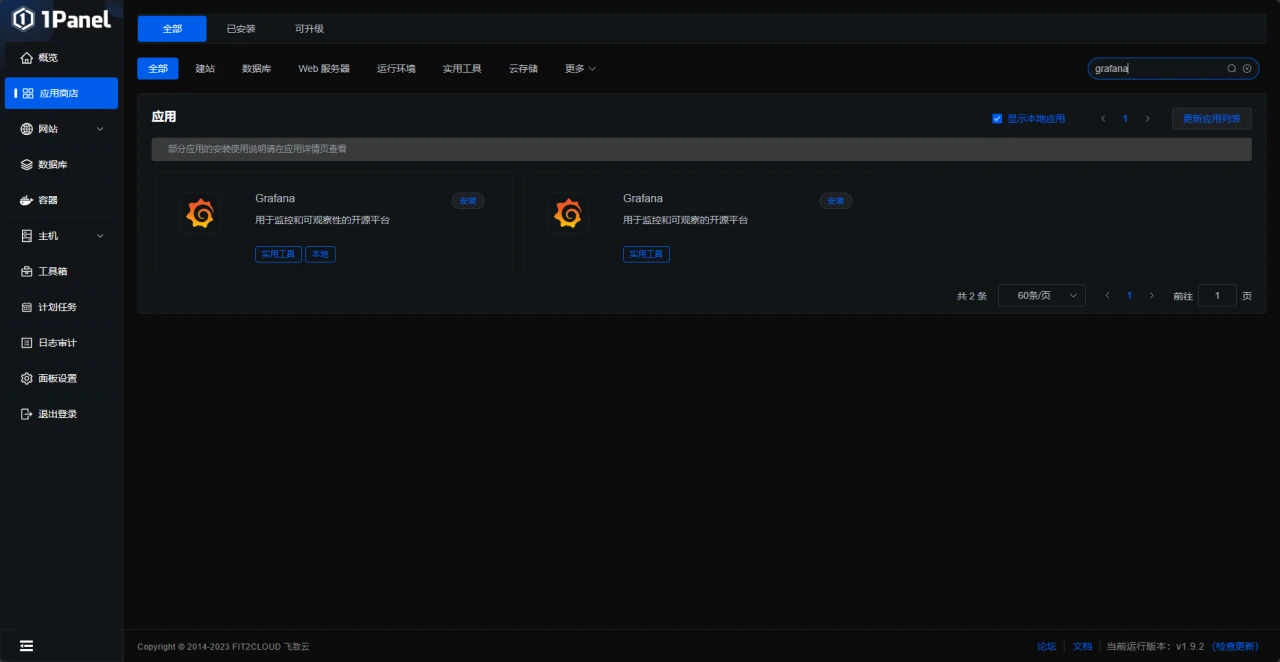
If you use 1Panel, both Grafana and Prometheus have one-click versions in 1Panel, but the method of using the 1Panel apps has not been tested
If you want to use 1Panel, you can choose pre-installation when purchasing a server
The image above is a pre-installation example from Rainyun; some providers may not support pre-installation, see Online Installation - 1Panel Documentation
This article uses a home cloud + centos for demonstration
Preparations
First prepare the software environment
node_exporter
prometh
<?php
$text = "123456789";
//save some text
echo substr($text,strripos($text,"5")+1);
echo '<br/>';
//output content after 5
echo substr($text,0,strrpos($text,"5"));
echo '<br/>'
Find duplicate type
SELECT type FROM table GROUP BY type HAVING count(type) > 1;
Find the smallest id in duplicate type data
SELECT min(id) FROM table GROUP BY type HAVING count(type) > 1;
Find non-smallest ids in duplicate type data (those to be deleted)
SELECT id F
Function to set a cookie
//设置cookie函数
function setCookie(cname, cvalue, exdays) {
var d = new Date();
d.setTime(d.getTime() + (exdays*24*60*60*1000));
var expires = "expires="+ d.toUTCStrin
//加载css文件函数
function link(url) {
var link = document.createElement("link");
link.rel = "stylesheet";
link.type = "text/css";
link.href = url;
document.getEleme
Usually, programs append index.php after the domain name, which looks unpleasant; you can enable pseudo-static rewriting to hide the index.php entry file.
Apache pseudo-static rules
EmpireCMS
RewriteEngine On
RewriteBase /
RewriteRule ^([0-9]+).([0-9]+)/$ e/action/ShowInfo.php?classid=$1&id=$2 [L]
RewriteRu