
Solution to 1Panel CloudFlare Certificate Application Failure
Repost license
Request authorization before reposting and retain the authorization code, original URL, and go/affiliate links.
Original URL:https://www.geekcorelab.com/post/solution-to-failed-certificate-application-for-1panel
The commercial link is an authorized go short link that must stay on the reposted page. It records the source before sending readers to the original article.
After upgrading 1Panel, when using CloudFlare DNS verification, the following prompt appears: [*.biliwind.com] [*.biliwind.com] acme: error presenting token: cloudflare: failed to find zone biliwind.com.: ListZonesContext command failed: Invalid request headers (6003)
To solve this problem, we need to create a new API Token instead of using the Global API Key
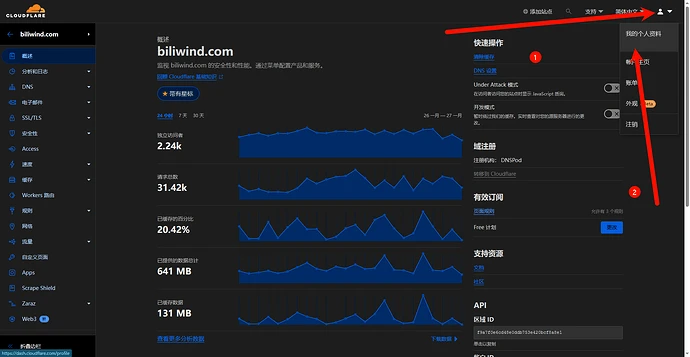
First, after logging in at dash.cloudflare.com, click the person icon in the upper right corner, then click My Profile
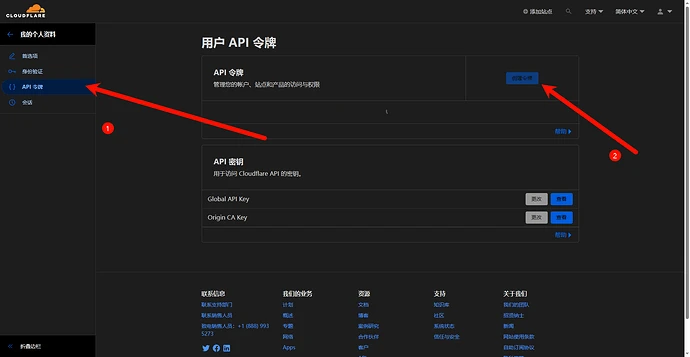
Click API Tokens, then Create Token
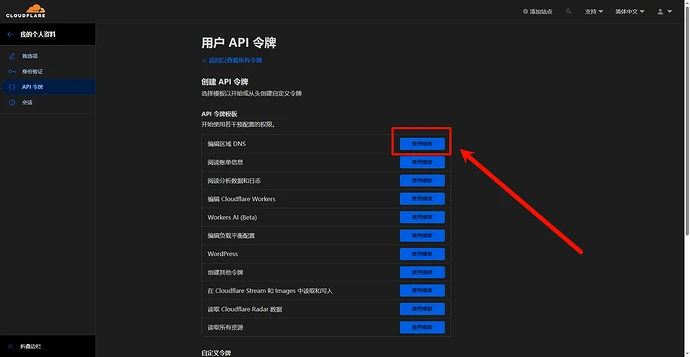
Click “Use template” next to Edit zone DNS
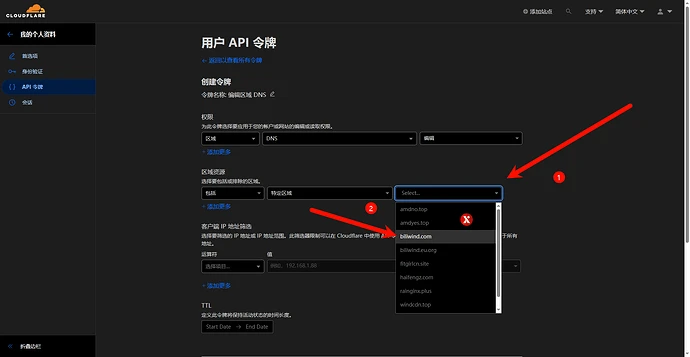
Select the domain you want to use in the second column
Scroll to the bottom and click “Continue to show summary”
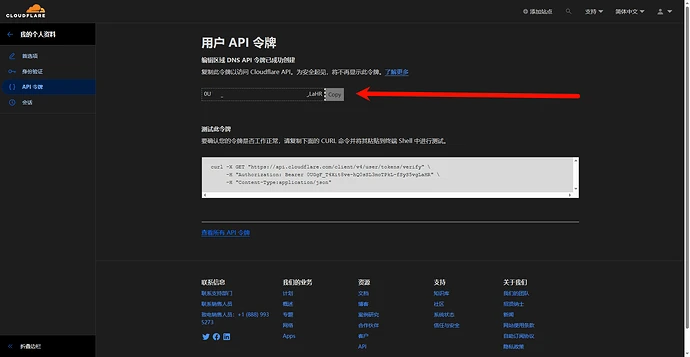
After confirming, your token will be displayed; this token is displayed only once
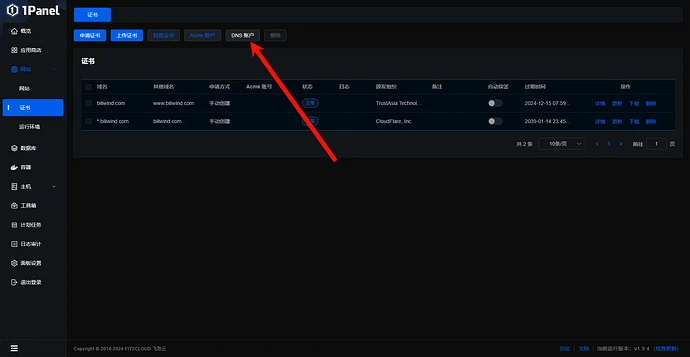
Find the DNS account in 1Panel
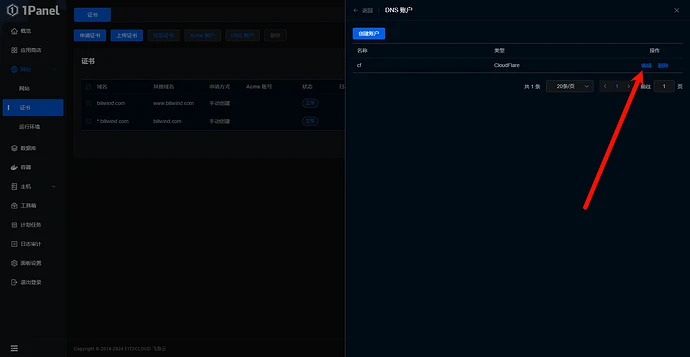
Edit the existing account
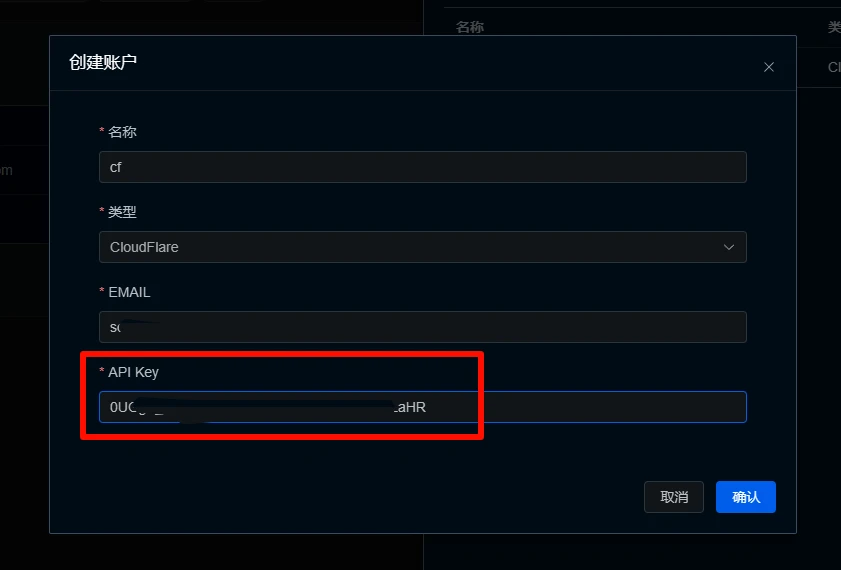
Replace the API key with the API Token
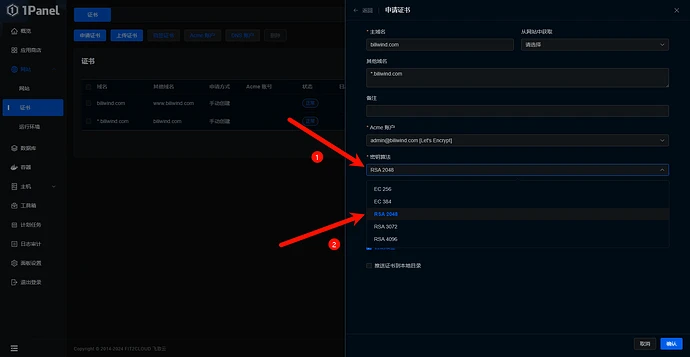
When applying for a certificate, if it is a previously created ACME account, select the RSA2048 key algorithm
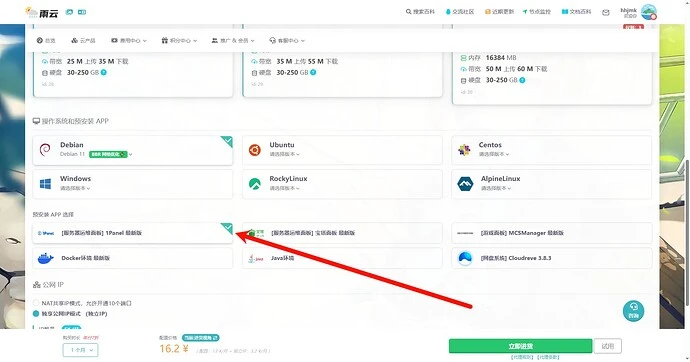
If it is a newly installed server from 雨云 with 1Panel preinstalled
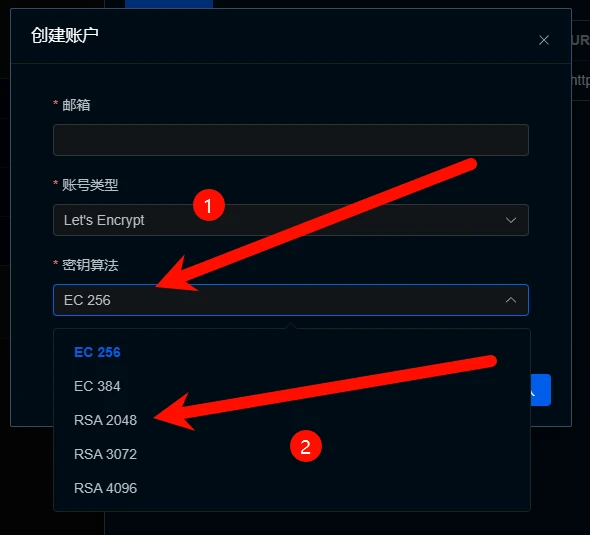
When creating an account, it is recommended to set the key algorithm to RSA2048
and also select RSA2048 when applying for the certificate
Reference articles:
v1.9 Version CloudFlare Certificate Application Failure Solution - 1Panel - Community Forum - FIT2CLOUD 飞致云
Latest v1.9.1 CloudFlare Certificate Application Failure - 1Panel - Community Forum - FIT2CLOUD 飞致云
The only downside is that although it has already been changed to API Token, the panel should prompt when applying for a certificate and change the text to API Token instead of API Key
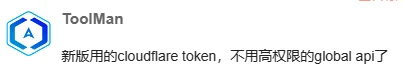
Because CloudFlare originally intended to translate API Token as “API令牌”
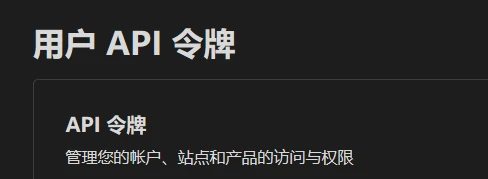
In addition, the name Global API Key fully contains the keyword “API Key”
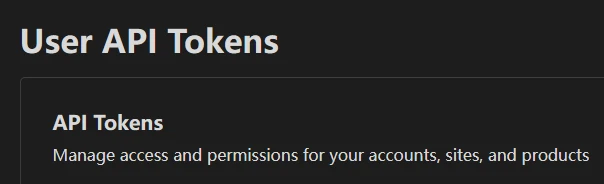
This can easily mislead users

Comments
Discussion
Be kind and keep the discussion friendly.
Discussion
0 comments