建站教程
Browse all WindBlog categories and find articles by topic.
Subcategories
No subcategories.
Related articles
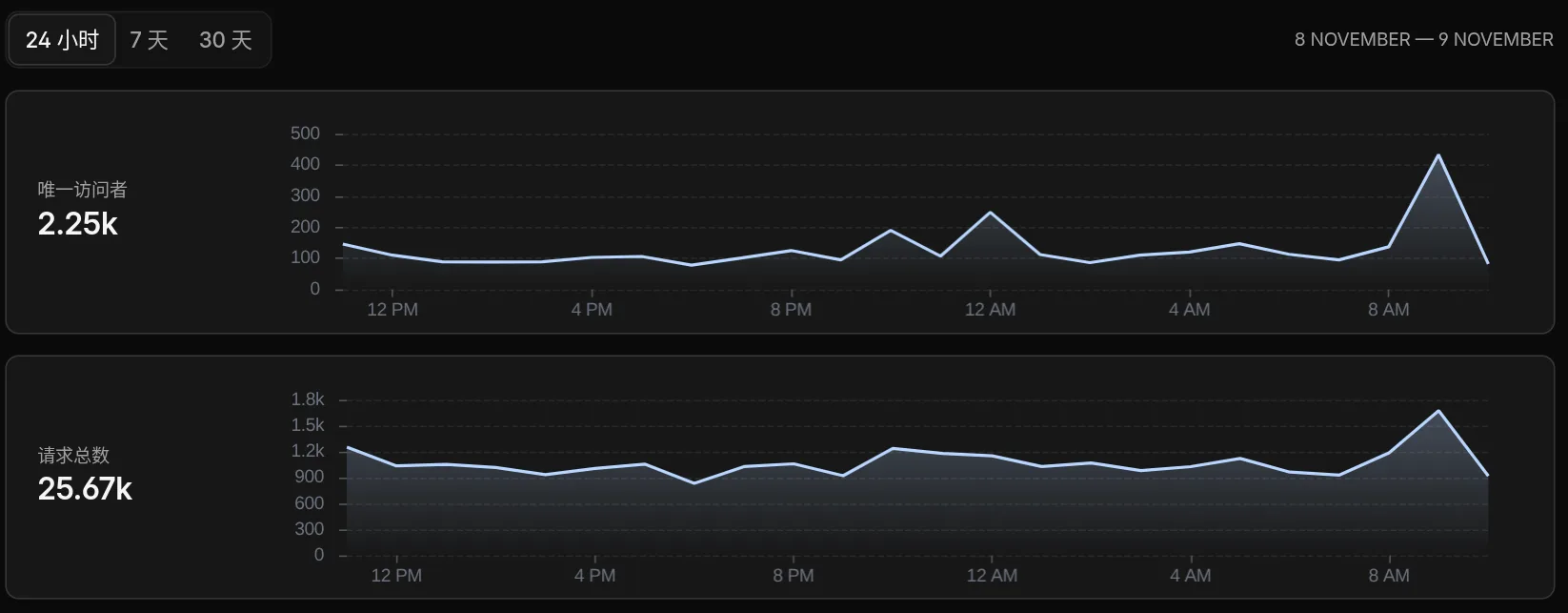
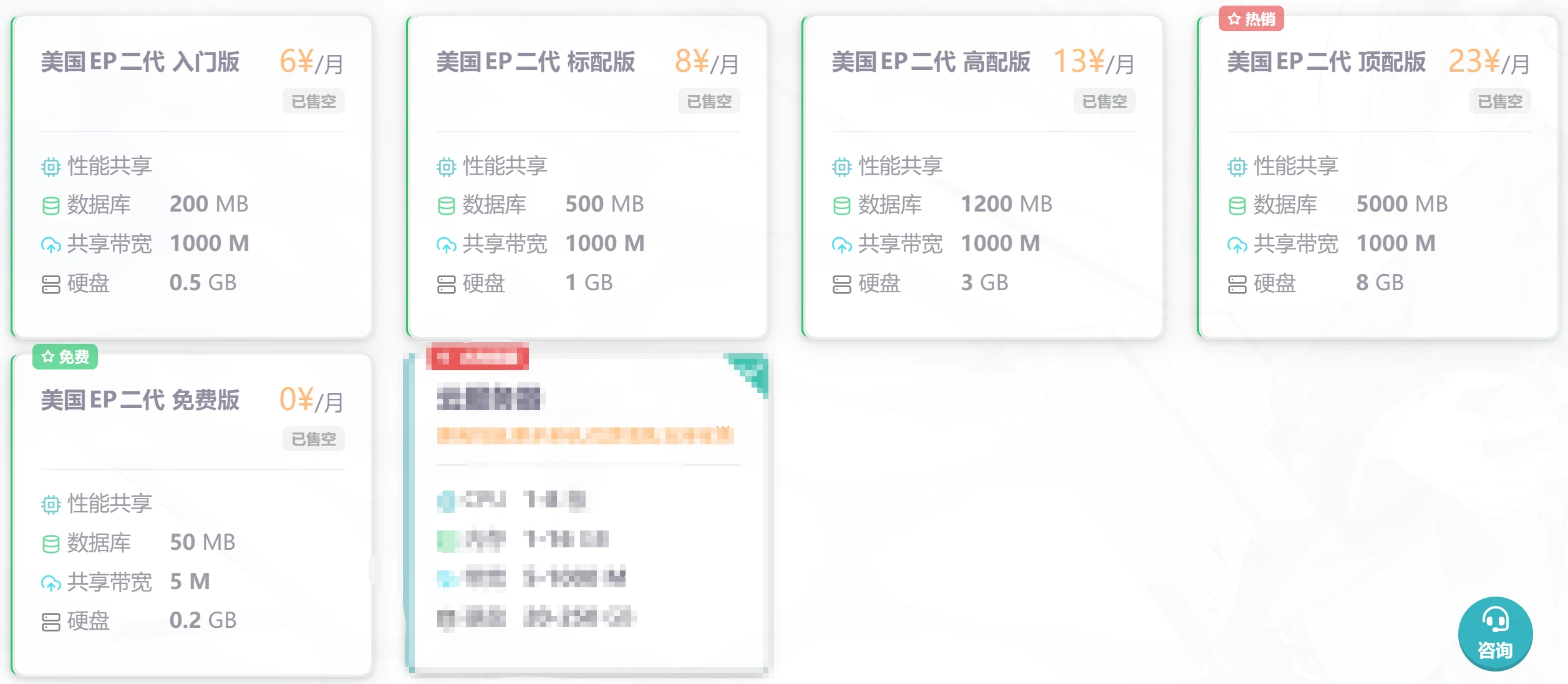
HTML Getting Started - Publishing a Website to the Public Internet
The threshold for publishing a website to the public Internet is very low. Simply put, you need a domain name and a server (or virtual hosting). Let's first look at the difference between a server and virtual hosting. A server uses virtualization technology to virtualize multiple low-spec servers on one high-spec server for customers to use. Generally speaking, a server offers a very high degree of freedom, and most have their own dedicated IP address, but everything must be manually set up from scratch, such as the web server, database, etc. However, you can also install a virtual hosting panel on your own server and rent it to other users, which can recover some costs.
HTML Basics - Quickly Build a Simple Website Page
The difference between dynamic and static websites Common beginner misconceptions: A dynamic website does not mean a website with animations or moving elements A static website does not mean a website without animations or moving elements The correct understanding is: A dynamic website means the HTML (HyperText Markup Language) returned to users is generated dynamically. For example, my website is a dynamic website: I can log in to the backend to publish articles without updating the HTML code; instead, the articles are stored in a database, and then PHP (PHP: Hypertext Preprocessor) reads the content from the database and places it in the designated location to render the final interface users see A static website means
Build Your Own Website Analytics System with Matomo
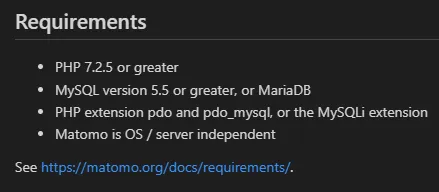
Have you ever thought about giving up Baidu Analytics and Google Analytics and using your own analytics code? Matomo can make this wish come true This tutorial uses the BT Panel for demonstration; the environment versions used are higher than the official requirements. Below are the officially required environment specifications: Translation: PHP 7.2.5 or higher MySQL version 5.5 or higher, or MariaDB Required PHP extensions: pdo and pdo_mysql, or the MySQLi extension Matomo runs independently of the system and server (can also be translated as independent of the system and server) I use
Prevent Censys and Fofa from Leaking Website IP
This tutorial recommends using Rainyun CDN, which is affordable, fast, and does not charge extra for HTTPS traffic! Although this CDN is a 1000GB high-defense CDN, if an attacker finds your server IP, they can completely bypass the CDN's defenses and directly put your server IP into blackhole (equivalent to unplugging the network cable). Tutorial First, create a website for your server IP. Then enable SSL and place a special certificate into it (be sure not to set it to the SSL certificate of your own domain). pemkey-1695470962 download After setting the certificate of the IP site to this one
OpenLiteSpeed vs. Nginx: A Comparison
In today's internet world, the web server is key to building a successful website. OpenLiteSpeed and NGINX are two popular web servers, each with its own unique advantages and features. In this article, we will compare the pros and cons of OpenLiteSpeed and NGINX, and explore their use in web development. OpenLiteSpeed is a free, open-source web server; it is the open-source version of LiteSpeed. OpenLiteSpeed and LiteSpeed share many similar
Easily Add PJAX No-Refresh Loading to Your Website
What is pjax? Simply put, it uses ajax technology to fetch documents from the server, updating the current page without refreshing the browser page, and ensures that files such as the page's js and css are not loaded repeatedly. Then, using the pushState feature provided by the browser, it updates the URL and ensures that users can go back to historical pages by clicking the back button. Why use pjax? pjax can bring a better experience. Loading a new page does not require reloading css and js.
Control-Allow-Origin * Settings under Apache and NGINX
Introduction Websites generally set the access-control-allow-origin HTTP header only when they need to share resources with other websites (transfer data across origins) Setting Access-Control-Allow-Origin can solve cross-origin issues with multiple domains Access-Control-Allow-Origin * allows all websites to access cross-origin Access-Control-Allow-Origin gqink.cn allows gqink.cn to access cross-origin

WordPress Optimization Guide - Images - Pages - CDN - Completely Free!
When you clicked in, you've already won Image Optimization Highly recommended; currently, apart from online services, there is no charge at all “It can actually support WebP replacement?!” I was shocked at the time too Unlimited optimization quota I previously searched online for many image optimization plugins that claimed to be “free.” Since I prefer using WebP format rather than png, jpg, etc., whether WebP conversion and WebP replacement are supported under the free plan became one of my main criteria for screening. I looked at EWWW Optimizer, Imagify, Smush one after another
Compress CSS and JS Output with PHP
Recently I found that compressing the website's CSS and JavaScript makes it run much faster Let me share the code: use PHP to process and compress all CSS and JS into a single file for output CSS <?php header('Content-type: text/css'); ob_start("compress"); function compress($buffer) {
php extract content before, after, and between specific characters
<?php $text = "123456789"; //save some text echo substr($text,strripos($text,"5")+1); echo '<br/>'; //output content after 5 echo substr($text,0,strrpos($text,"5")); echo '<br/>'
Deleting duplicate records in a MySQL database while keeping only one
Find duplicate type SELECT type FROM table GROUP BY type HAVING count(type) > 1; Find the smallest id in duplicate type data SELECT min(id) FROM table GROUP BY type HAVING count(type) > 1; Find non-smallest ids in duplicate type data (those to be deleted) SELECT id F