

Beginner Webmaster Pitfall Avoidance Guide (TLS, SSL Edition)
Repost license
Request authorization before reposting and retain the authorization code, original URL, and go/affiliate links.
Original URL:https://www.geekcorelab.com/post/beginner-webmasters-guide-to-avoiding-pitfalls-tls-ssl
The commercial link is an authorized go short link that must stay on the reposted page. It records the source before sending readers to the original article.
Browser warns that the site is not secure
As shown specifically in the figure (Edge browser), under normal circumstances, when visiting a website, a small lock should be displayed in front of the address bar (as shown below)
Many beginners may think that “not secure” here means the website has a virus or is an illegal website, but this is incorrect.

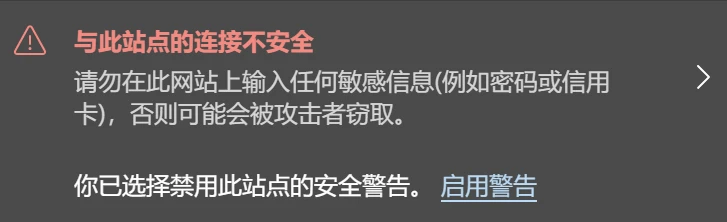
Let’s click the “Not secure” prompt to see exactly why
It can be seen that the connection is not secure; it is not because there is a virus or because it is an illegal website. Let’s continue clicking in to take a look
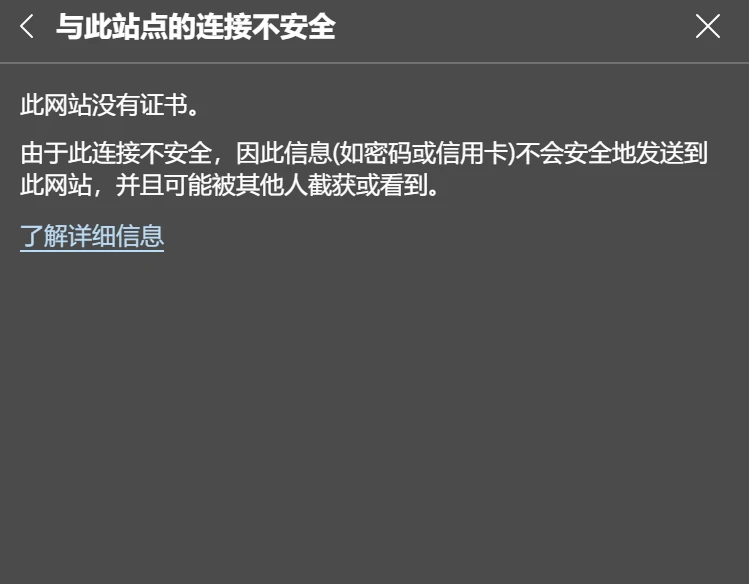
It can be seen that the ultimate reason is that there is no certificate. The certificate here is an SSL certificate (also called a TLS certificate)
If you want to “lock” your website like this, you must configure an SSL certificate:
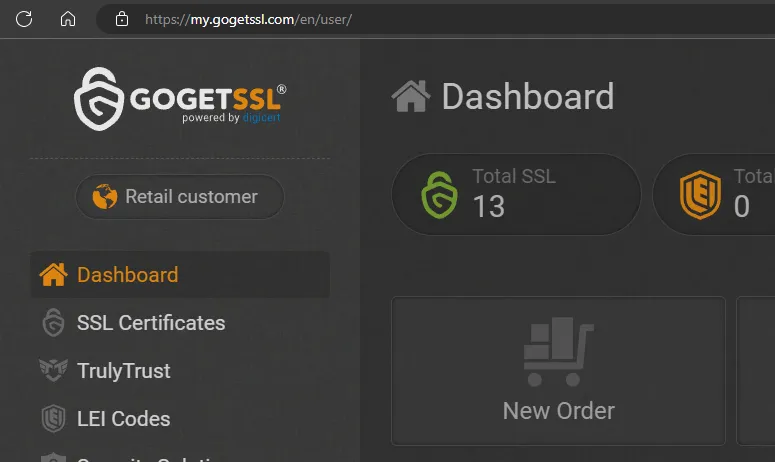
Visit here: SSL Management | GoGetSSL®, register an account, and click New Order
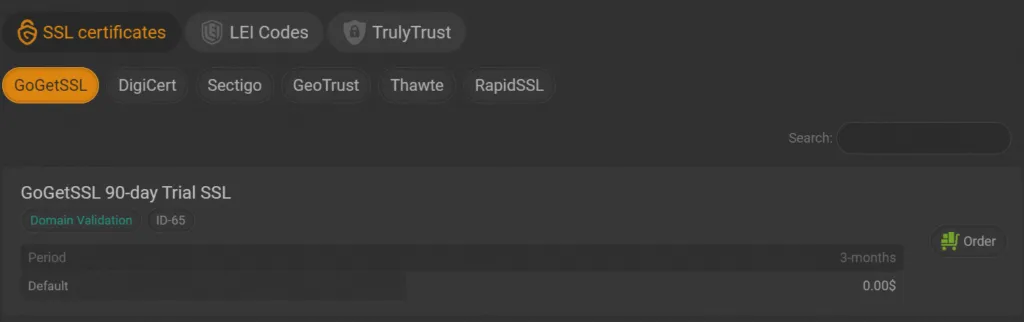
We choose the 90-day free one
Click Order after it
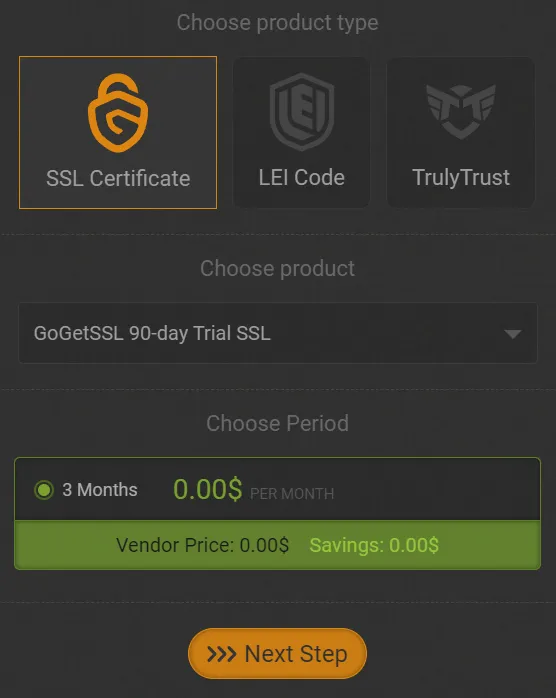
Keep the defaults, select the 0.00$ one at the bottom, and click Next Step
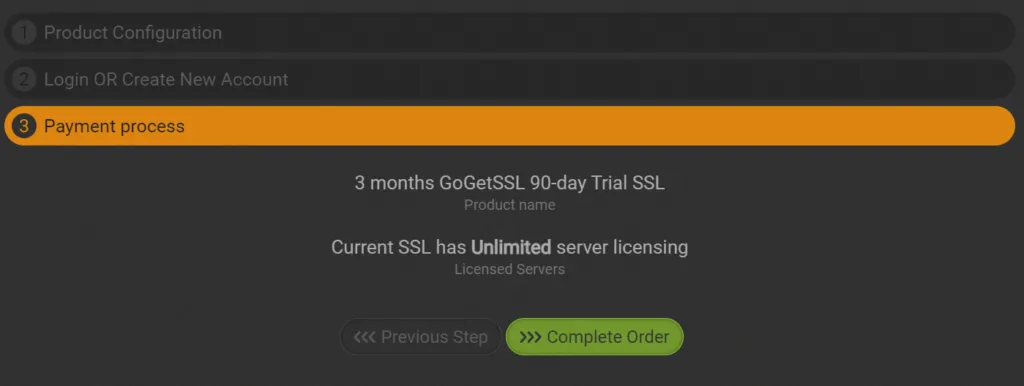
Click the green Complete Order
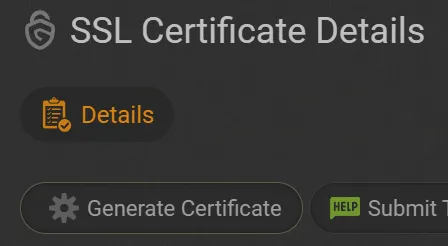
On the left, select SSL Certificates, and click View after the certificate just generated

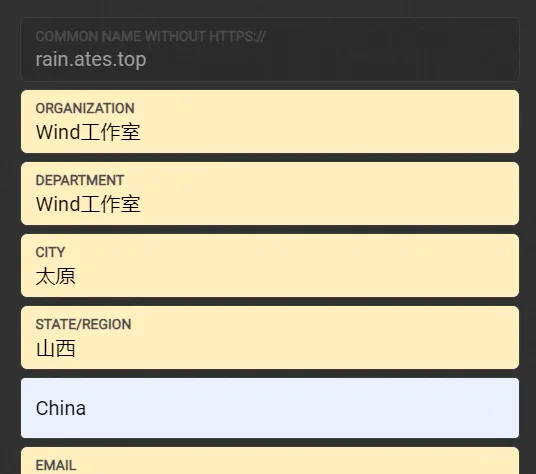
Click the first gear icon. Here at SSL Management | GoGetSSL®, fill in your website information. In the first input box, enter your domain name; here I directly used autofill
After that, copy the generated content:
You only need to copy the content of Certificate Signing Request(CSR), from -----BEGIN CERTIFICATE REQUEST----- to -----END CERTIFICATE REQUEST-----. Do not close the page; you will need it later!
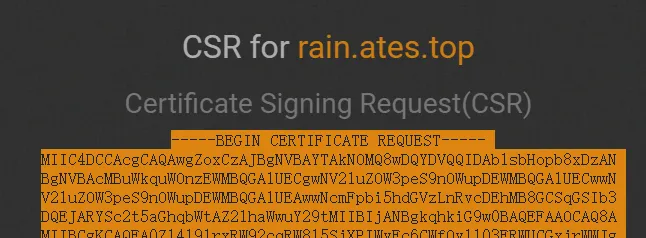
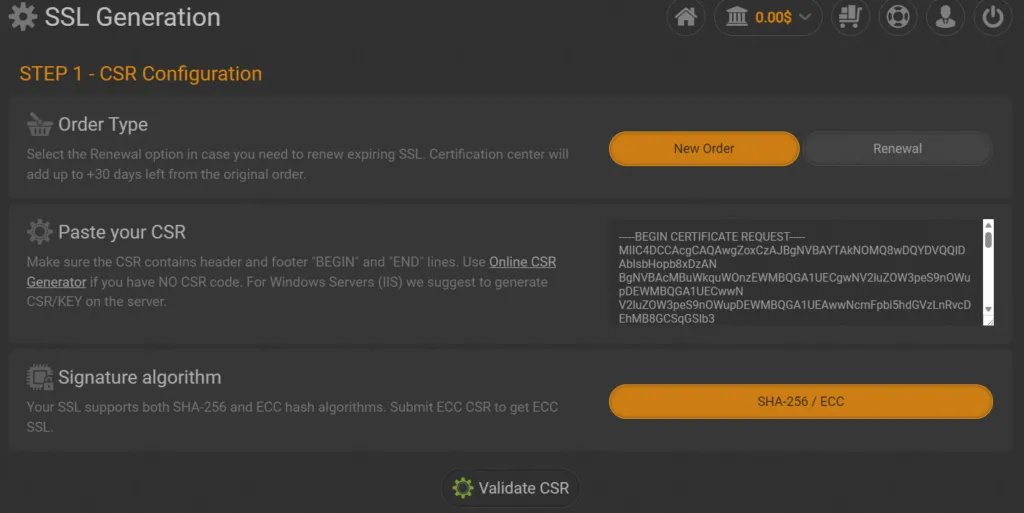
Fill the copied content into the application page:
Click the verification below
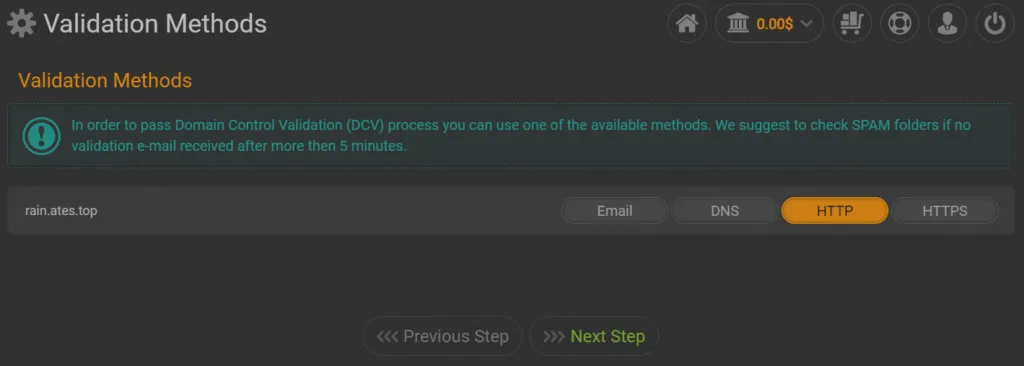
For the verification method, select HTTP, and click Next Step
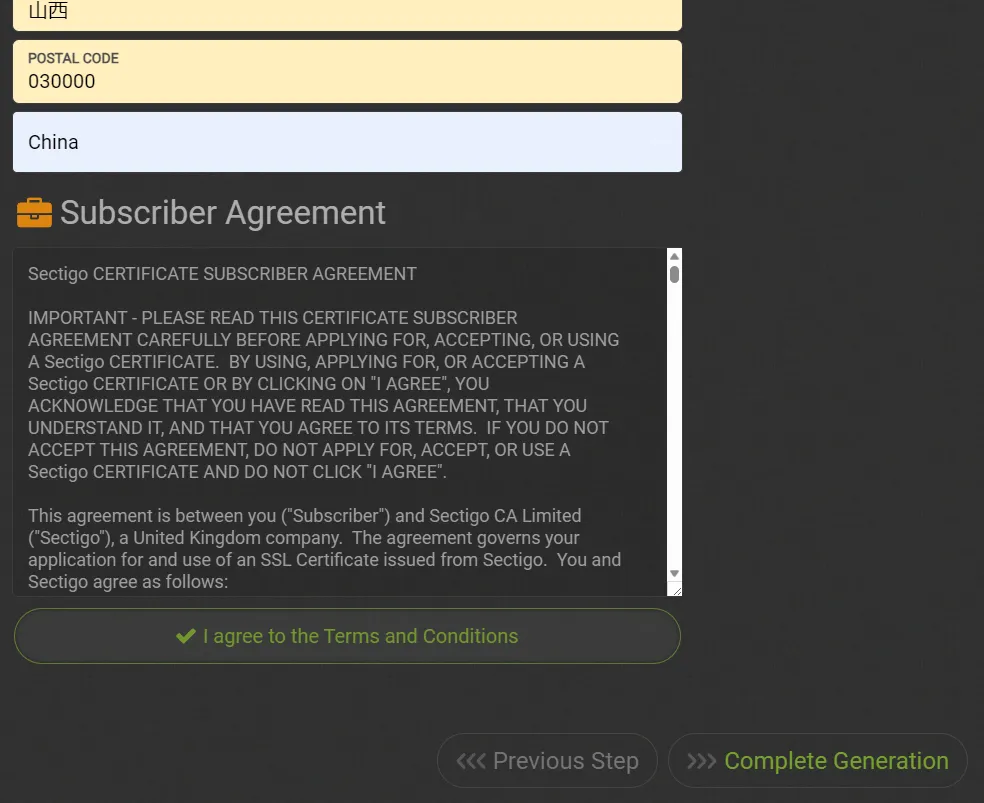
Then fill in some of your information, and scroll to the very bottom
Click Complete Generation
After about a minute, refresh
Click Domain Validation above
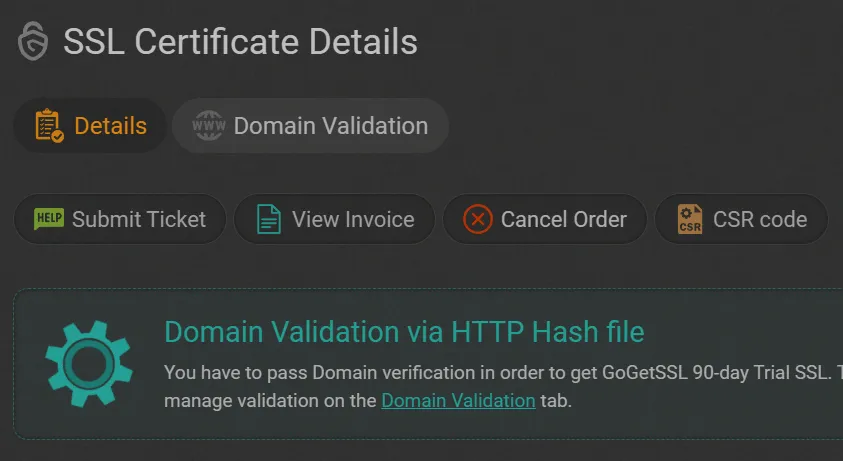
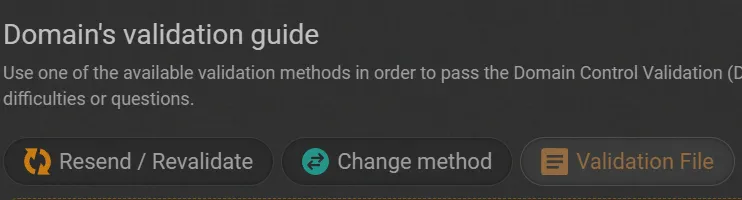
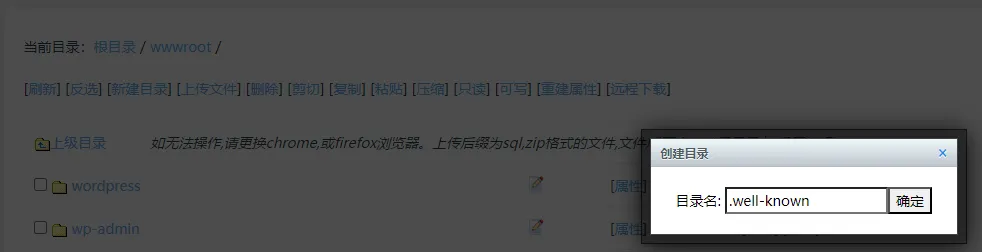
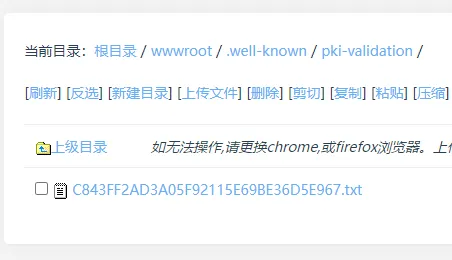
Click Validation File, return to the EP panel, enter the wwwroot directory in the file manager, click Create Directory (that is, create a folder), and create a folder named “.well-known” (taking the EP panel as an example; other panels work similarly, but 1Panel, BaoTa Panel, etc. have automated certificate application features)
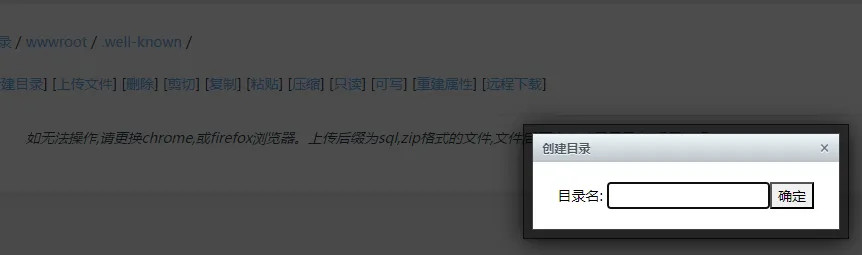
After entering this directory, click Create Directory again, name it “pki-validation”, and enter it after creation
Then click Upload File, and upload the downloaded TXT file to this directory
That’s enough
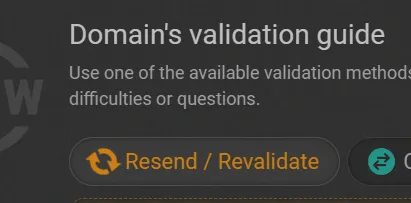
Then click revalidate in GoGetSSL
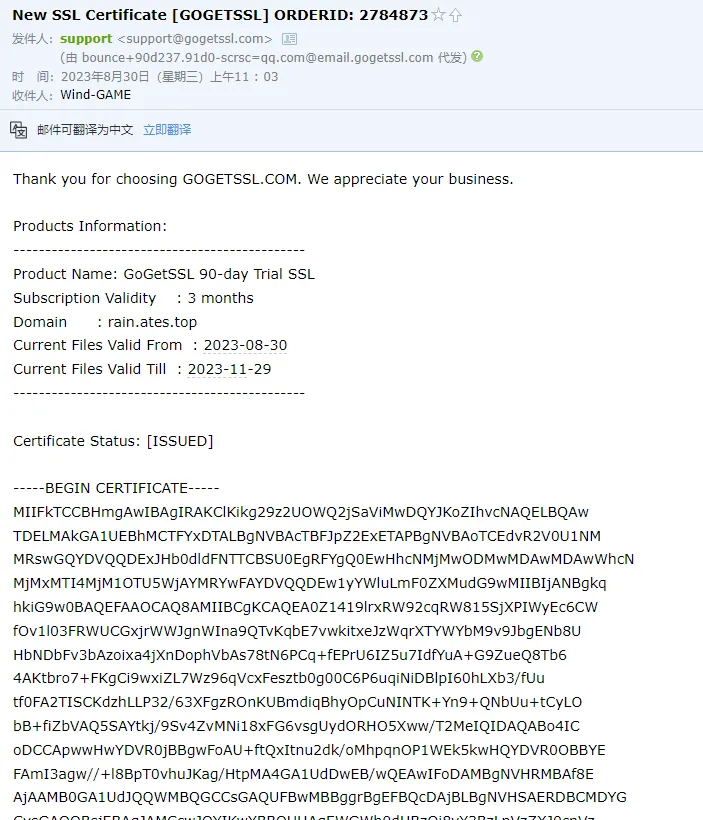
After a while, you will receive the certificate information by email. Never disclose the certificate content to others!
Then return to the page where you applied for the CSR, and copy the content of Your Private Server Key, from -----BEGIN PRIVATE KEY----- to -----END PRIVATE KEY-----
Return to the EP panel, and fill in the relevant information under Home - SSL Certificate
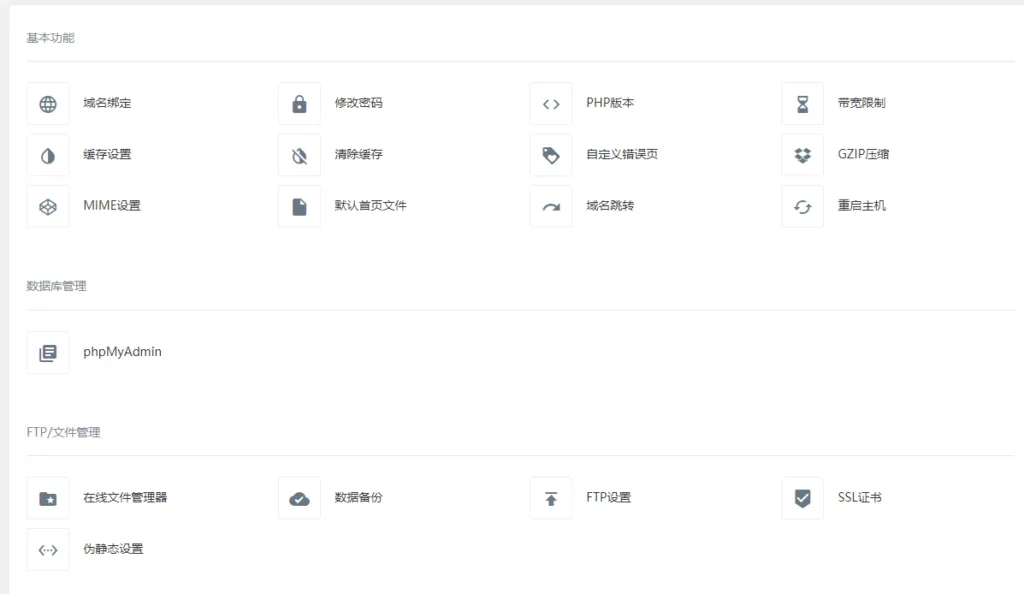
The certificate content is the large block received by email, and the key content is the Your Private Server Key you just copied. Click “Submit”
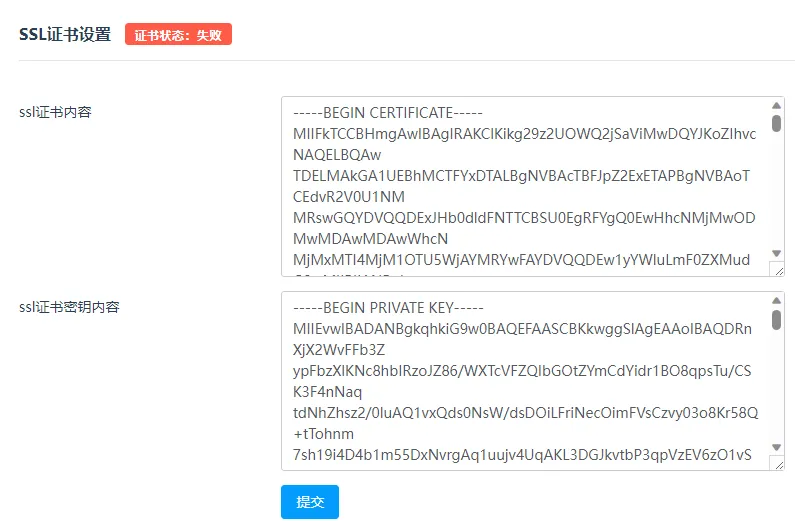
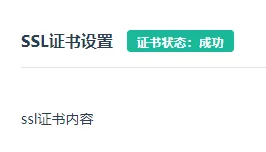
The status changes to successful. After that, refresh and you can see that it has changed to “Connection Secure”
TLS and SSL
TLS (Transport Layer Security) and SSL (Secure Sockets Layer)
SSL is an old technology that has been almost phased out, while TLS is a newer technology. Do not confuse the two
However, because we habitually call certificates SSL certificates, and many service providers also continue to use this term, there is no need to particularly distinguish between the two. At present, saying SSL is roughly equivalent to referring to TLS
Certificate Encryption Methods
The RSA algorithm requires a longer key to ensure security, usually at least 1024 bits, while the safer practice is to use a 2048-bit or longer key.
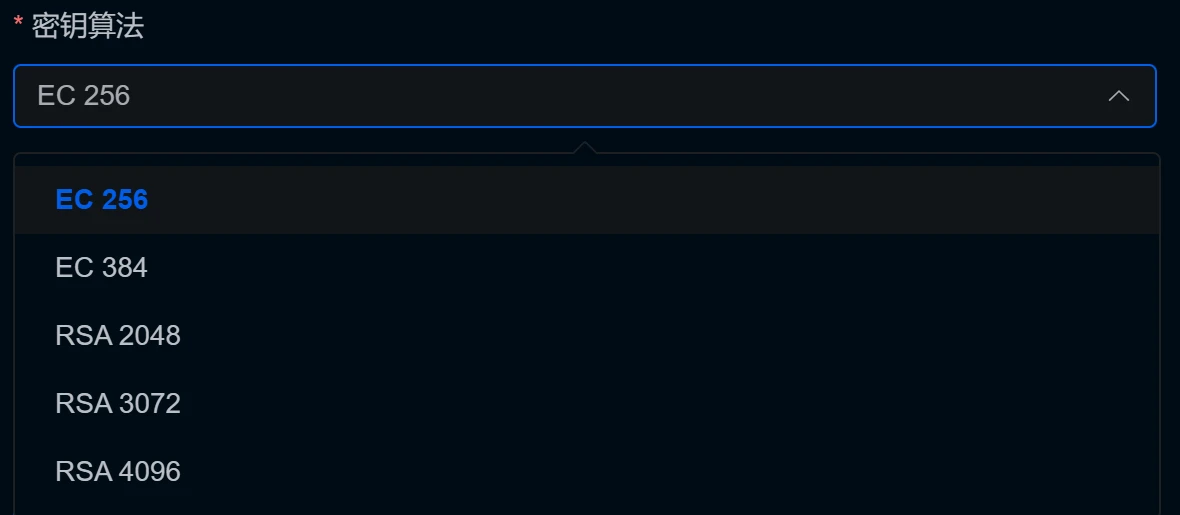
The EC algorithm can use a shorter key to provide the same security as RSA. For example, a 256-bit key in the EC algorithm is roughly equivalent in security to a 3072-bit RSA key.
Generally speaking, the default key algorithm for certificates applied for is RSA2048, but RSA keys impose a large computational overhead on servers, so at present there has been a gradual shift toward the more “small and beautiful” EC encryption method. However, EC encryption also has disadvantages; please see the AI summary below:
Although the EC algorithm (Elliptic Curve Cryptography) has many advantages, such as short key length, high security, and fast encryption speed, it also has some challenges and disadvantages:
- Choice of elliptic curve: The security of the ECC algorithm depends on the parameters of the selected elliptic curve. If an inappropriate elliptic curve is selected, security may be reduced.
- Difficulty of algorithm implementation: The ECC algorithm requires implementing operations such as elliptic curve addition and point multiplication, which is relatively difficult to implement. Because the mathematical theory of elliptic curve cryptography is relatively complex, it also increases the difficulty of use and implementation.
- Algorithm patent issues: The ECC algorithm is subject to some patent restrictions. Using and implementing this algorithm may require paying patent fees, increasing usage costs.
- Difficult to understand: Compared with traditional encryption algorithms such as RSA, the mathematical theory of the ECC algorithm is more complex and difficult to understand.
- Computational overhead: Compared with replicas, Erasure Code (EC) technology, although it saves storage space, has computational overhead during data repair, and repair requires a certain amount of time.
- Data recovery efficiency: When data loss occurs, the EC algorithm needs to collect data fragments from multiple nodes and decode them to recover the original data. This process may be slower than directly copying replicas.
- Hardware requirements: Some systems implementing the ECC algorithm may require specific hardware support, such as high-performance processors or dedicated cryptographic coprocessors.
- Compatibility issues: Because ECC is a relatively new technology, there may be compatibility issues with old systems, requiring appropriate updates or adaptation.
Is CloudFlare’s 15-Year Free Certificate Really That Good?
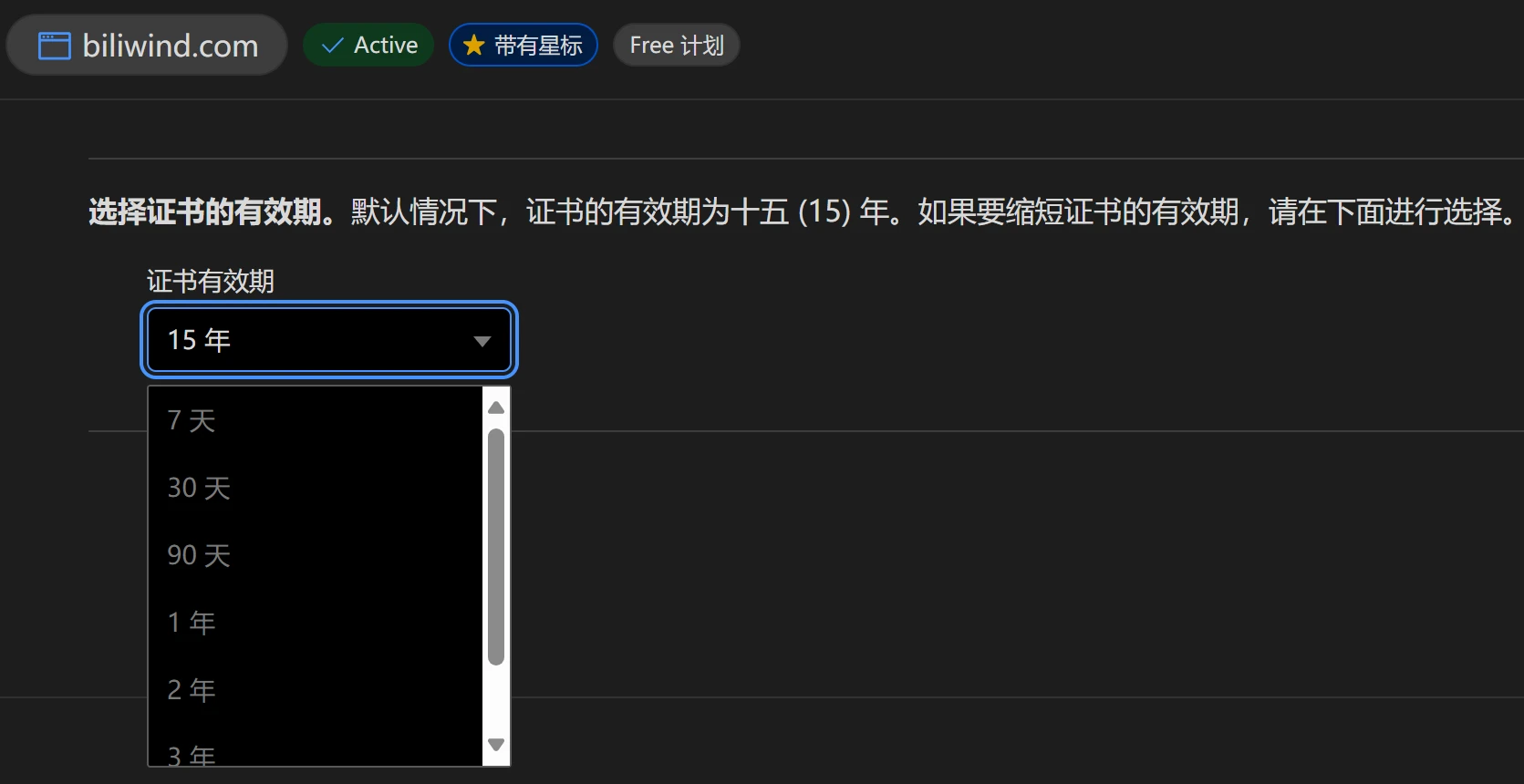
Webmasters who have used CloudFlare may have noticed that it has a 15-year free certificate
But this certificate is actually not trusted by browsers. That is, you can only use its certificate in testing or when using CloudFlare proxy; otherwise, it will prompt that the certificate is invalid
HSTS
[postsbox post_id="805"]
Using HSTS can enhance your site’s security. After HSTS is enabled, there is a mandatory requirement: if the site does not use HTTPS, it refuses to load any content and only prompts about an SSL certificate problem. This can prevent protocol downgrade attacks, that is, if a site is configured with HTTPS, an attacker may downgrade it to HTTP to monitor and tamper with data
HSTS is usually implemented by setting the Strict-Transport-Security field in the server’s HTTP response header, for example:
Strict-Transport-Security: max-age=31536000; includeSubDomains; preload
This directive tells the browser:
max-age=31536000: For the next year (31536000 seconds), always access the website through an HTTPS connection.includeSubDomains: This policy also applies to subdomains of the website.preload: This is an optional directive indicating that the website wishes to be included in the HSTS preload list, so that the browser already knows HTTPS needs to be used before the user visits the website.
Of course, you can manually specify in your browser which websites enable HSTS and which disable it, but ultimately it will still be overridden by the HSTS header. However, sometimes HSTS caching can cause problems, so learning how to clear HSTS settings is important
Comments
Discussion
Be kind and keep the discussion friendly.
Discussion
0 comments